TOP
Northern Region, Yendi, 12 hours ago
5 views
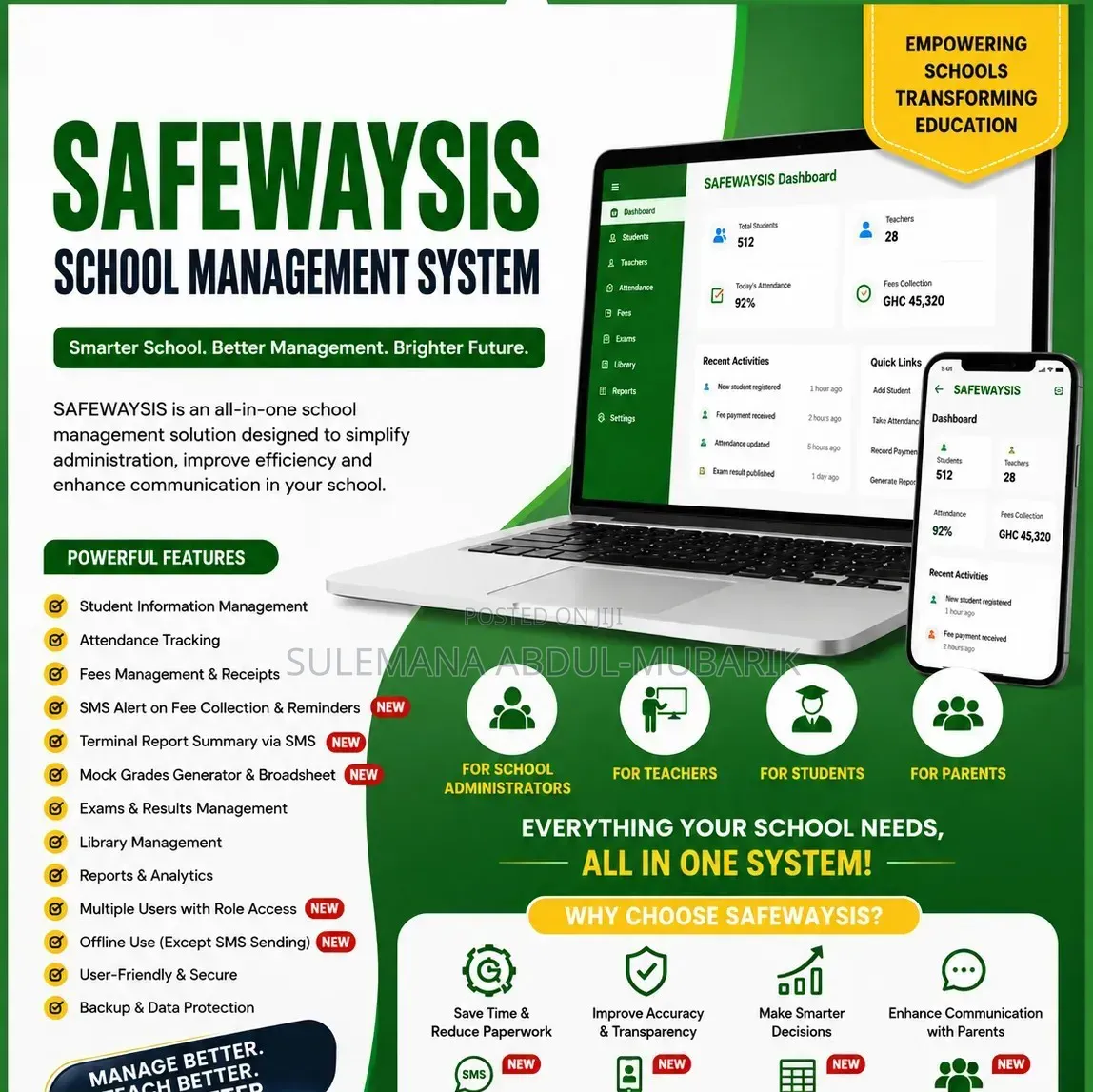
School Management System
SAFEWAY VENTURES
Company Name
Programming & Tech
Type of Service
Desktop Applications
Specialization
VB
Options
Delivery
Across country
3-5 days
Free of charge
Download the DEMO version here
Use login details to access the system.
1. Clock General info to enter term details make class and number ber of subjects they do tally for accurate average calculations.
2. Go go Registration to add/ edit students data including pictures (enter your own number so you can test the SMS feature)
3. Go to Attendance and add the few students from the registration make sure the names and ID tally those in the registration.
4. Go to the subjects of the class and put sample marks,. Go to reports and check marks and pictures b4 you generate.or send SMS.
5. etc
Contact for price

Safety tips
- Check Feedback to make sure the person is reliable
- Agree on the scope of work and remuneration
- Meet in person at a safe public place