
3X Enterprise
Promoted
Greater Accra, North Legon, 1 hour ago
6 views
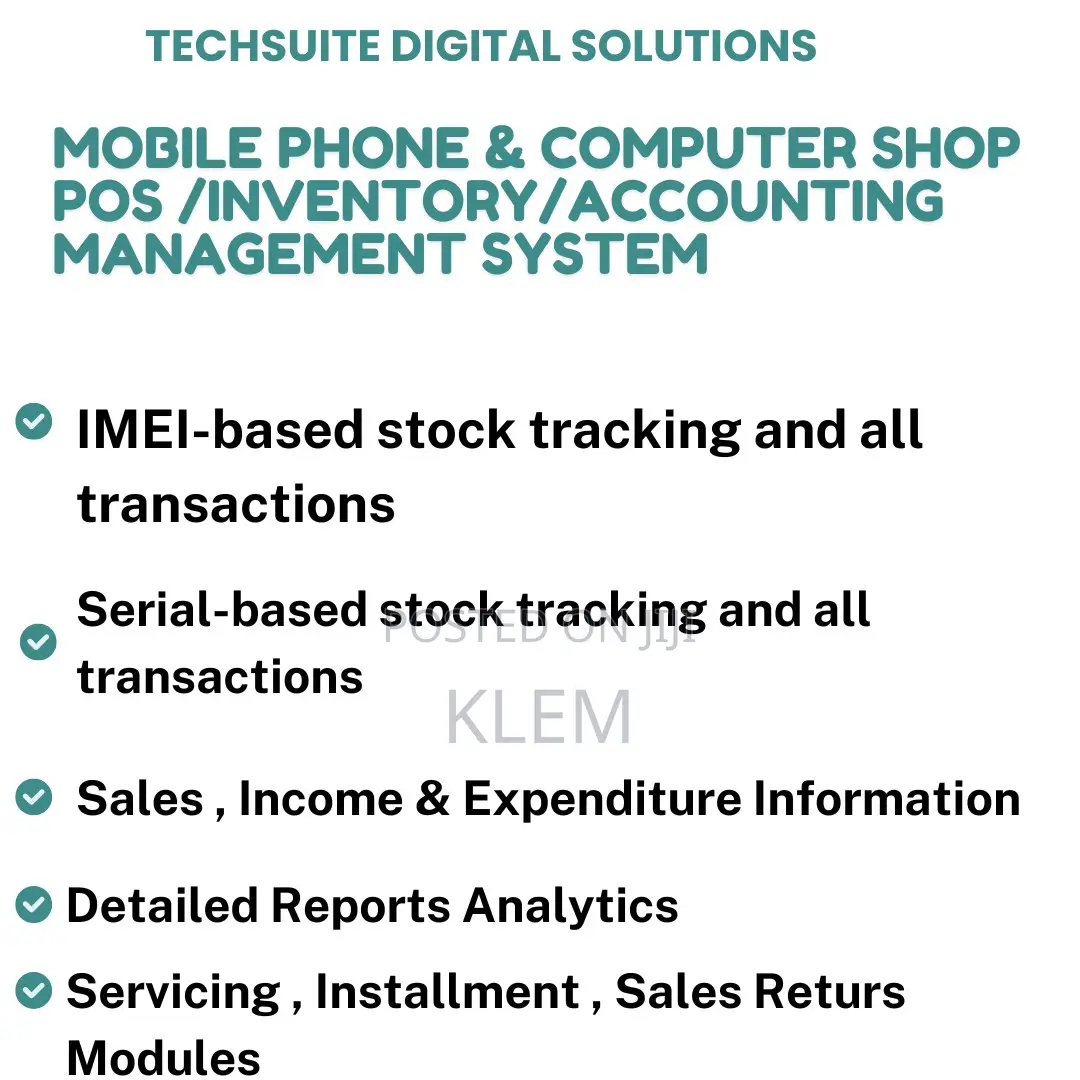
Mobile Phone / Computer Accessories Pos /Inventory Accounts System
Mobile Phone/Computer shop Pos/Inventory/Sales & Account Sys
Software Name
Managment Software
Type
Windows
Platform
Subscription
Format
IMEI Type product support
IMEI barcodes scan or manually write in the opening stock
Option to enter multiple IMEI numbers for the same product during purchasee
IMEI barcode scan or manually write in the purchase
Show IMEI-wise stock quantity and total quantity in stock of a product
Choose a specific IMEI to sell in the POS
Accurate stock tracking by IMEI after purchase, sale, and return
Guarantee and warranty auto date calculation in invoice
Manage in-warranty products and separate stock of warranty item
Paid servicing receipt
Serial Type product support
Add the same product’s Serial as the opening stock
Serial barcode scan or manually write in opening stock
Option to enter multiple Serial in purchase
Serial barcode scan or manually write in the purchase
Show available Serial as a dropdown in POS
GH₵ 5,000
Fixed price
Safety tips
- Avoid paying in advance, even for delivery
- Meet with the seller at a safe public place
- Inspect the item and ensure it's exactly what you want
- Make sure that the packed item is the one you've inspected
- Only pay if you're satisfied





