Enterprise
1/9

+ 4
images
Promoted
Greater Accra, Madina, 57 min ago
54 views
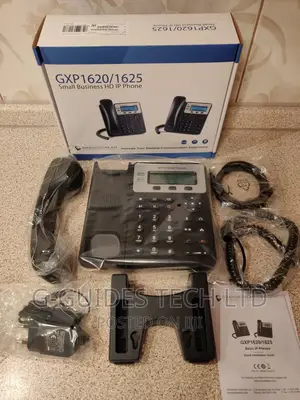
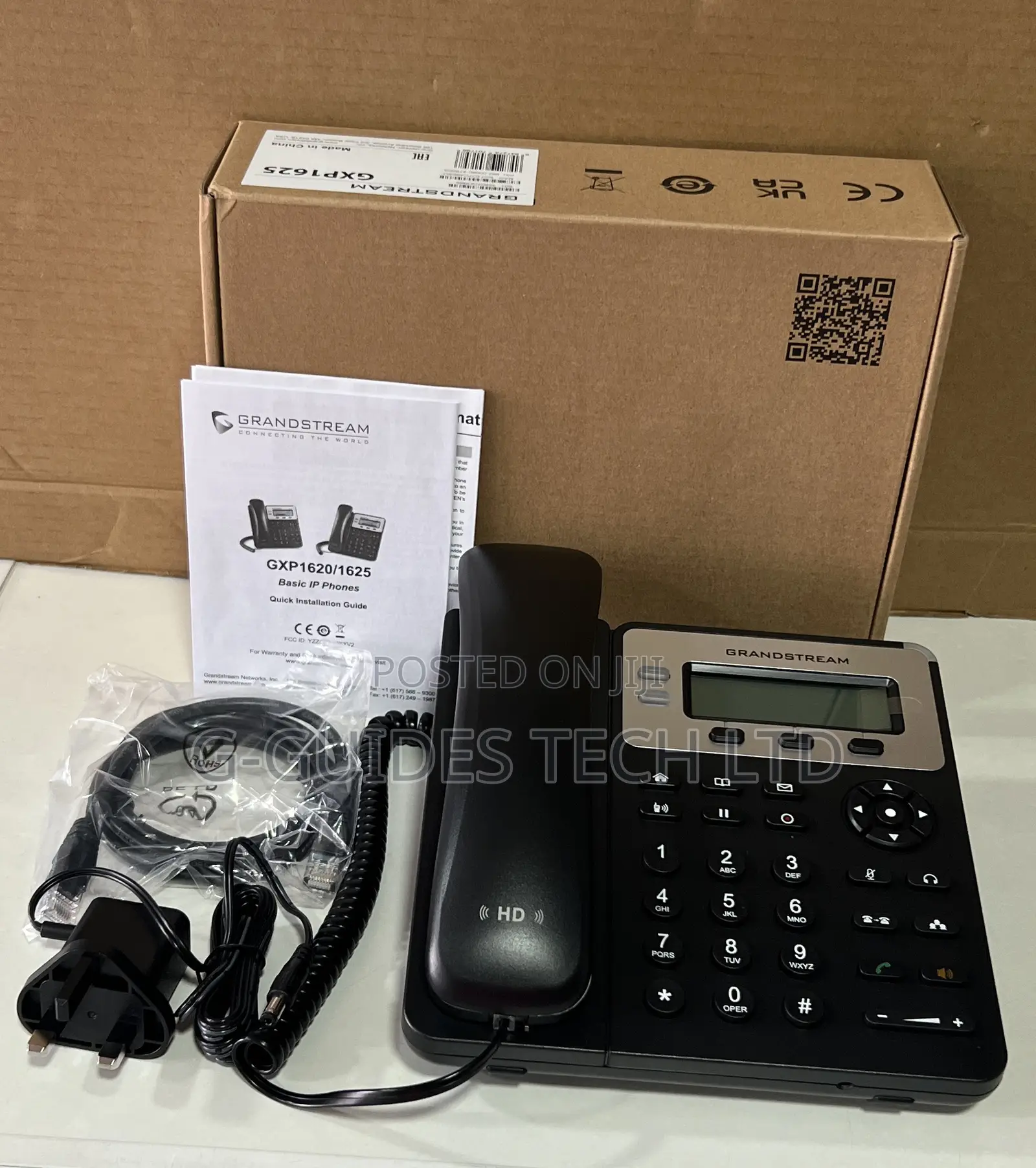
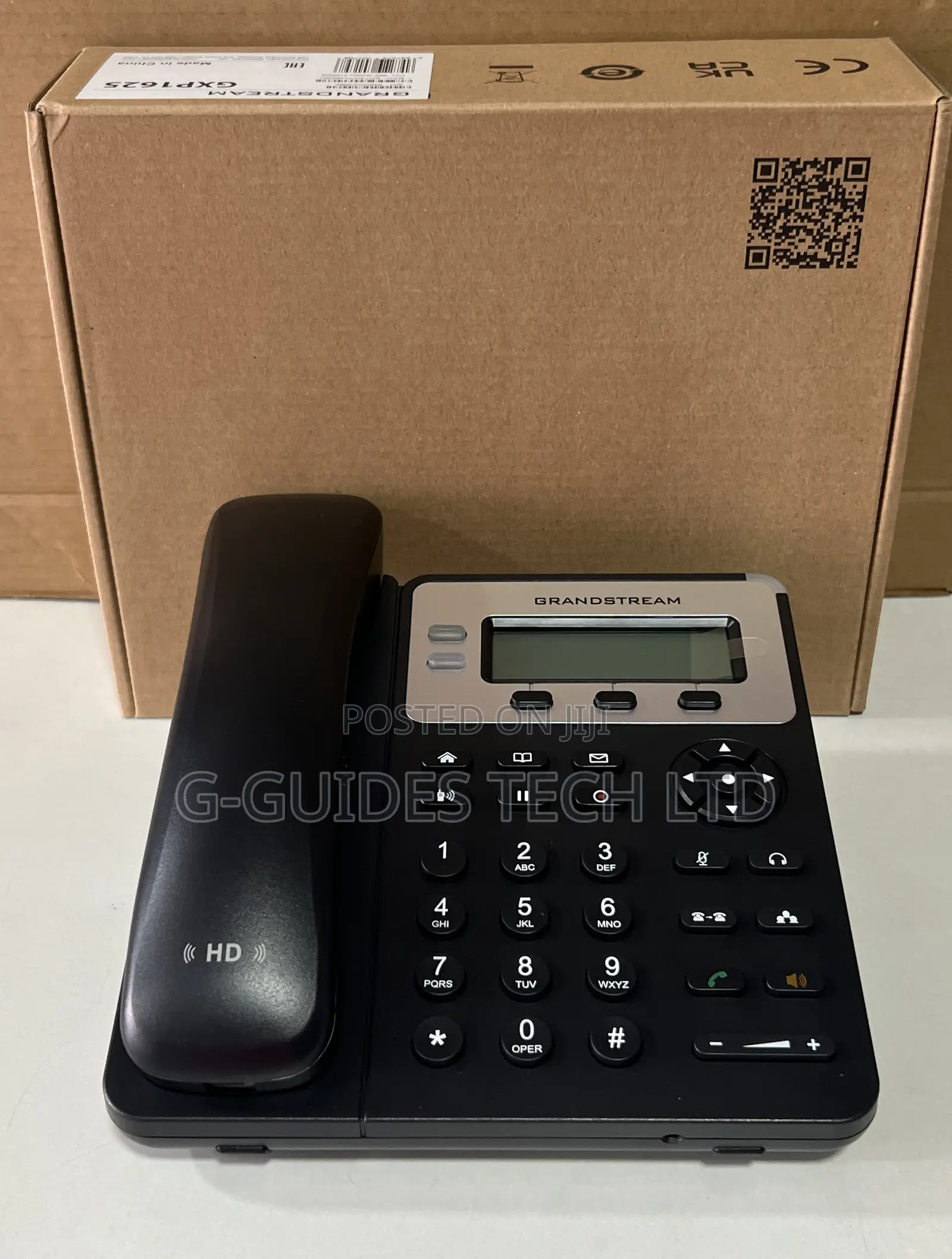
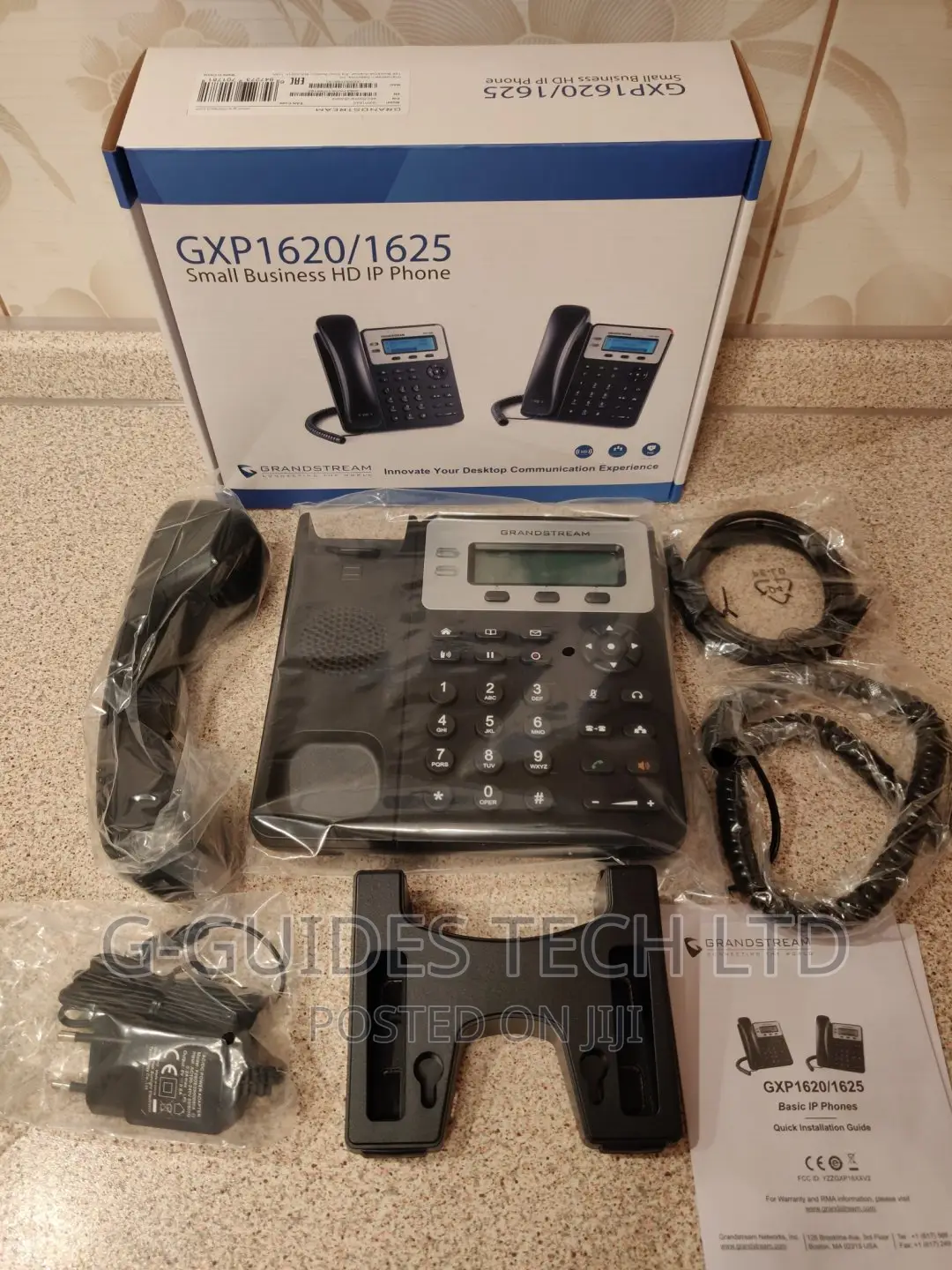
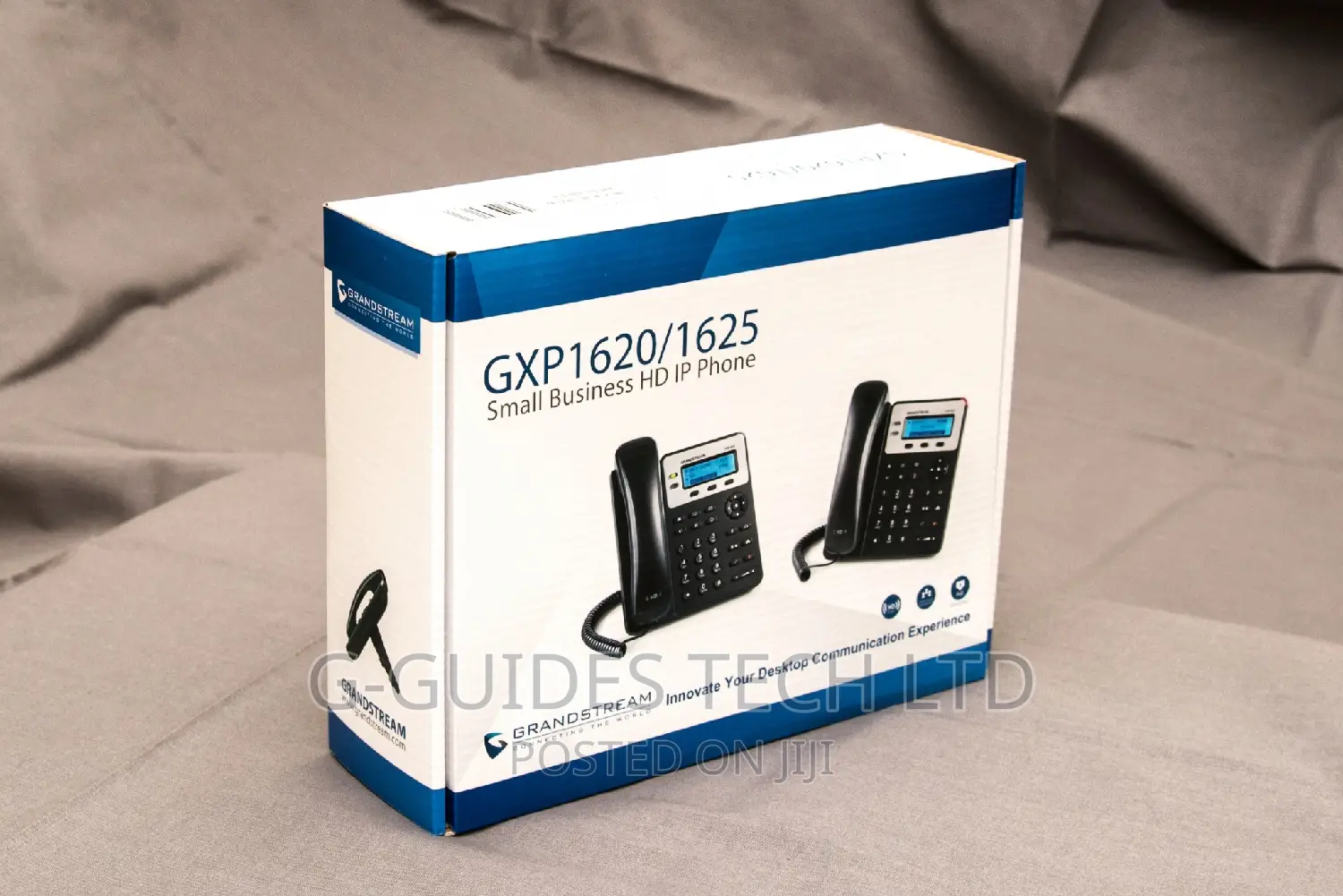
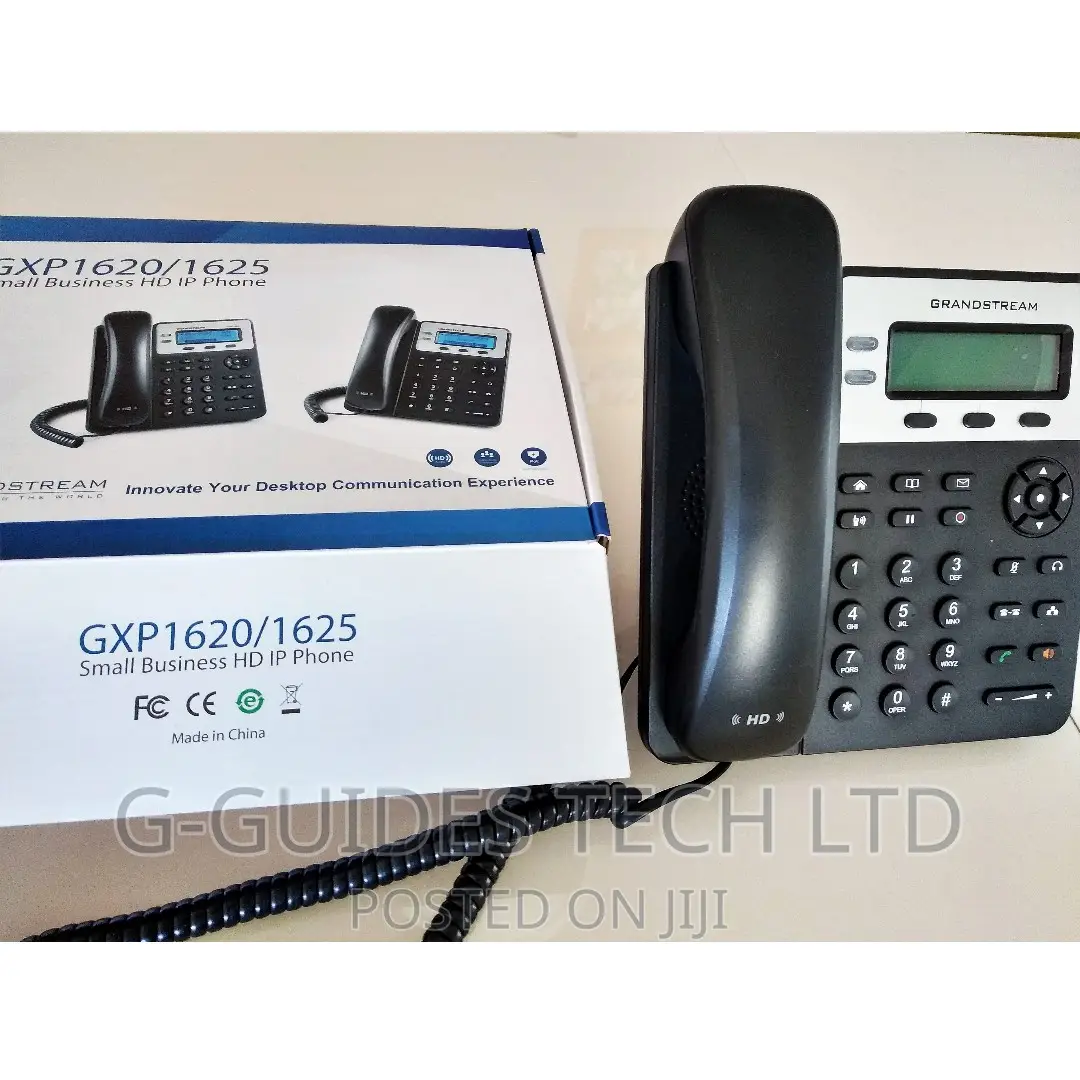
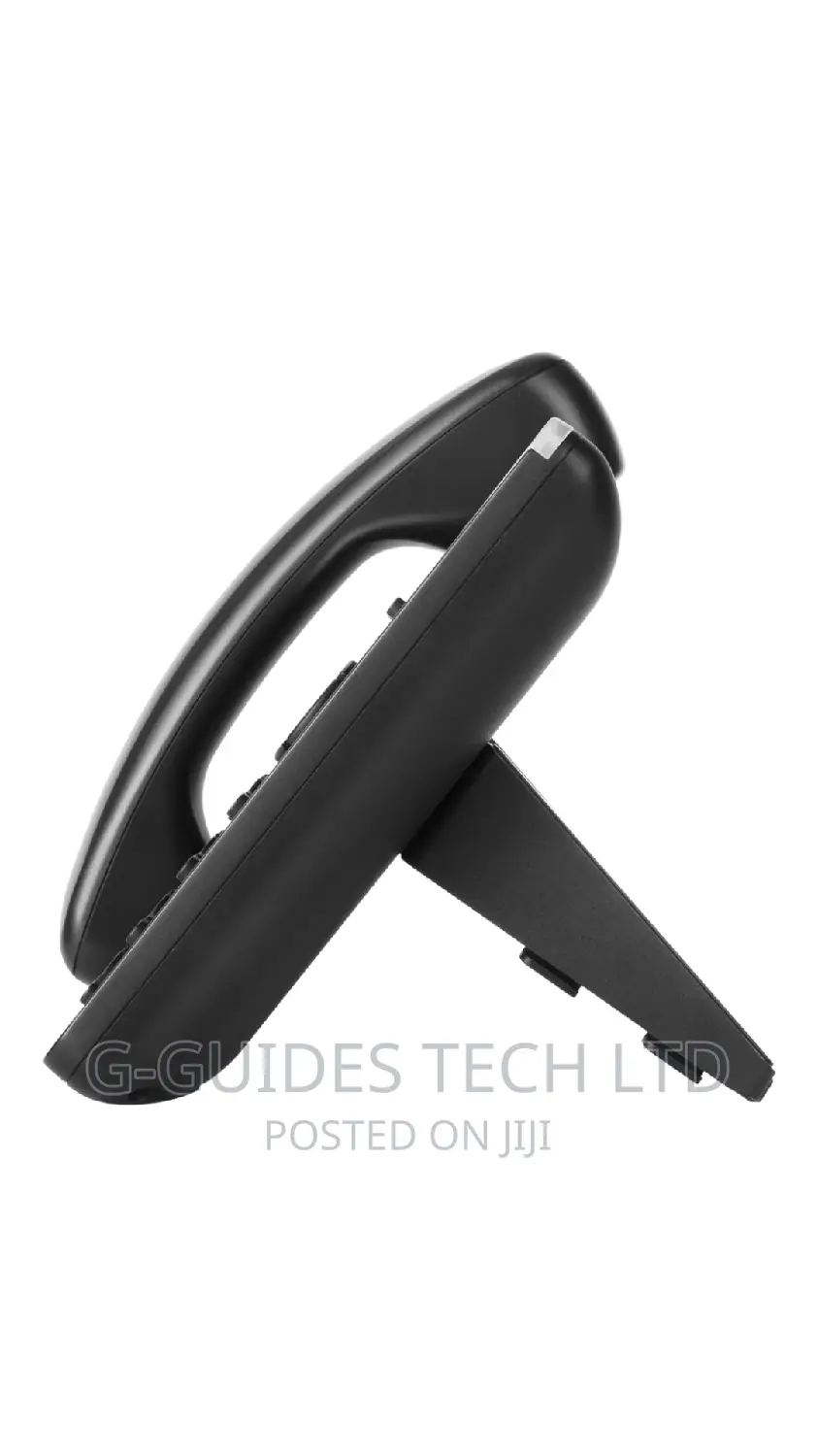
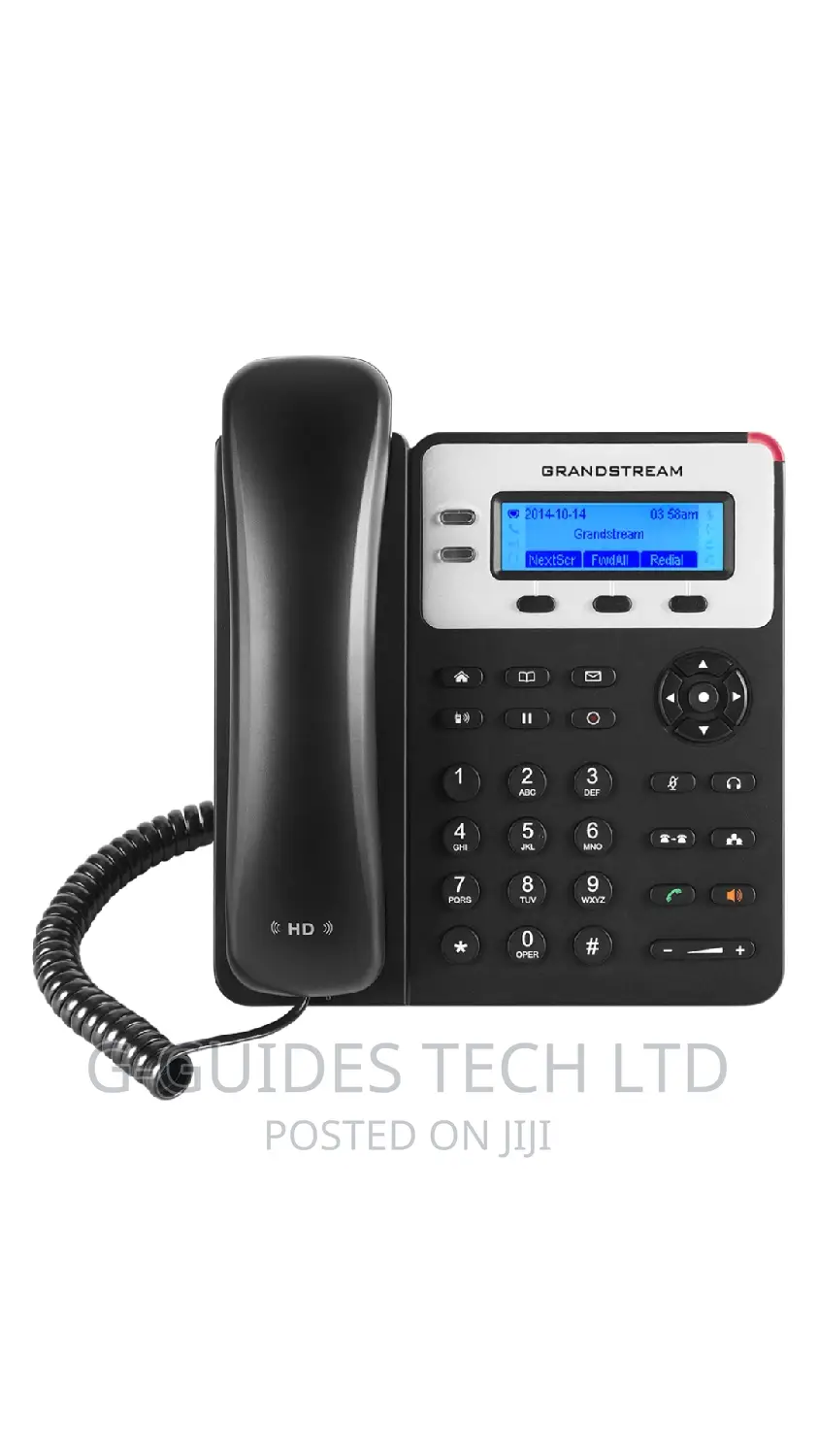
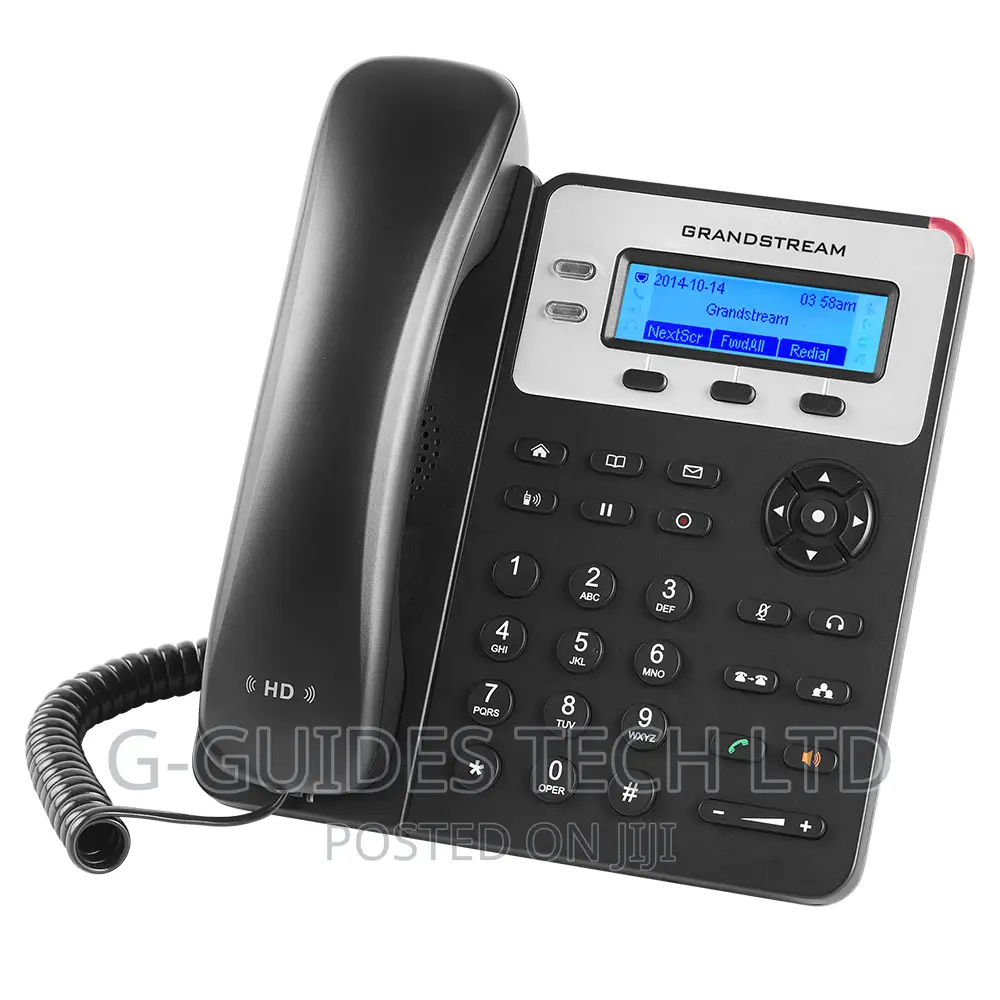
Grandstream GXP1625 Basic IP Phone, Grandstream GXP-1625 IP Telephone
IP Phones
Type
Brand
GXP1620/1625
Model
300 Mbps
Max LAN Speed
2
Number of Lines
2
SIP Accounts Number
3
Ways in Conference
Wall Mountable
IP Phone Features
Brand New
Condition
Store address
Greater Accra • Madina
madina
Closed now
• Mon - Sat, 07:00-17:00
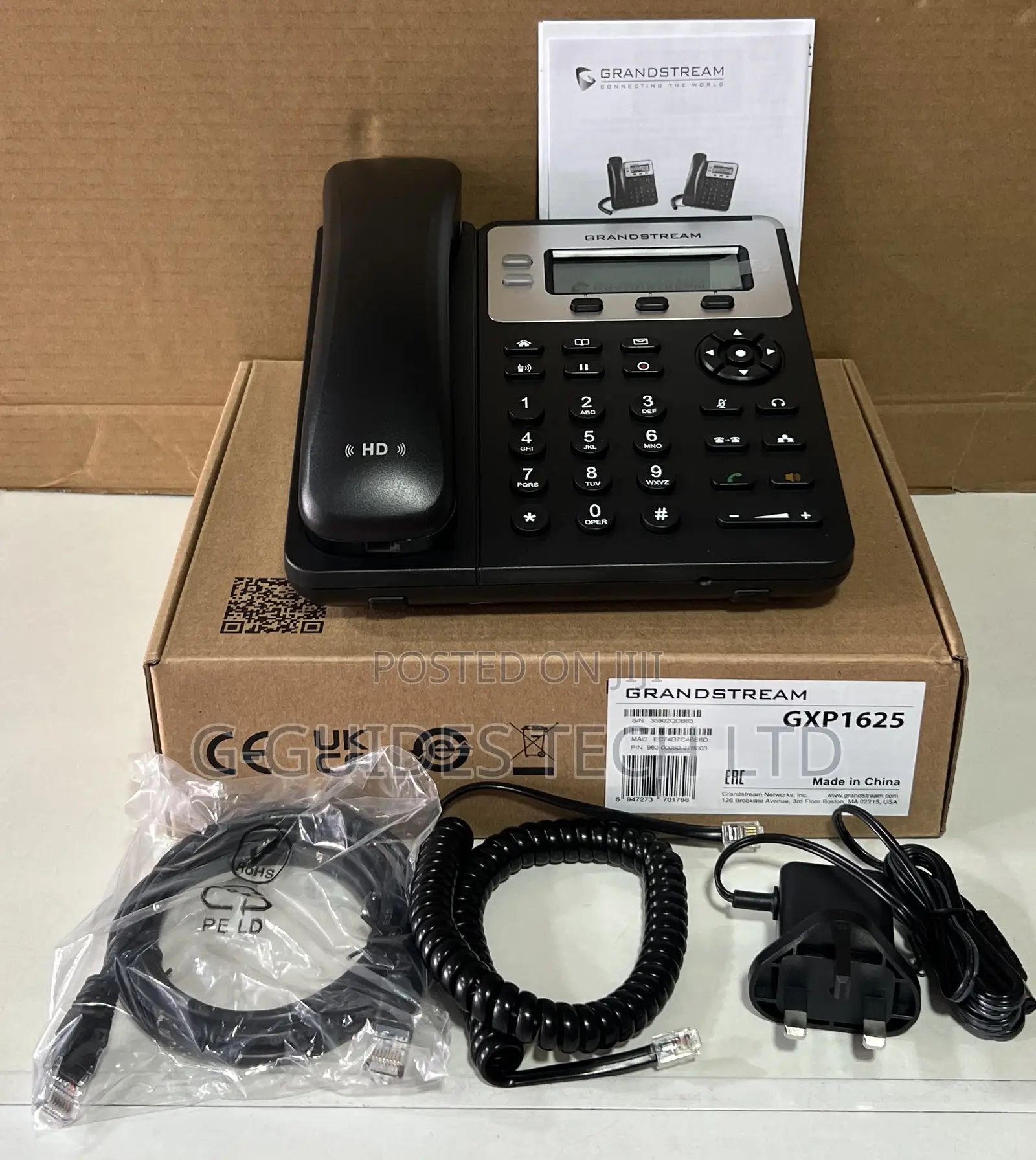
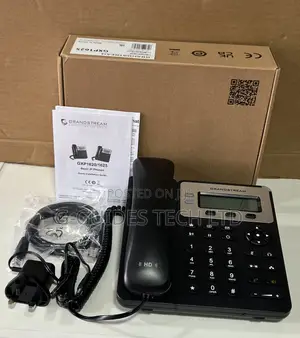
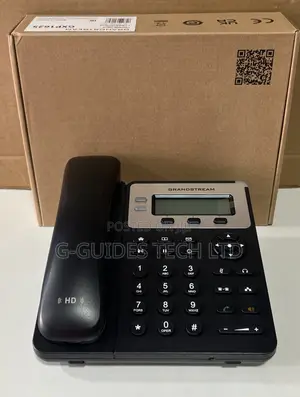
Grandstream GXP1625 Basic IP Phone alongside its factory retail box, handpiece, a coiled handset cord, an Ethernet network cable, an EU/UK-style power adapter, and the quick installation manual.
This standard Linux-based VoIP desk phone is designed for small business use, supporting up to 2 SIP accounts, dual-switched 10/100 Mbps ports with integrated Power over Ethernet (PoE), and 3-way audio conferencing.
Common Setup & Troubleshooting ConfigurationsFinding the Phone's IP Address: To configure the device through a computer web browser, ensure the phone is connected to your local network via the LAN port. Press the round central Menu button, scroll down to select Status, and choose Network Status to find the local IPv4 address.

Safety tips
- Avoid paying in advance, even for delivery
- Meet with the seller at a safe public place
- Inspect the item and ensure it's exactly what you want
- Make sure that the packed item is the one you've inspected
- Only pay if you're satisfied