
1/6
+ 1
images
Promoted
Ashanti, Kumasi Metropolitan, 3 hours ago
209 views
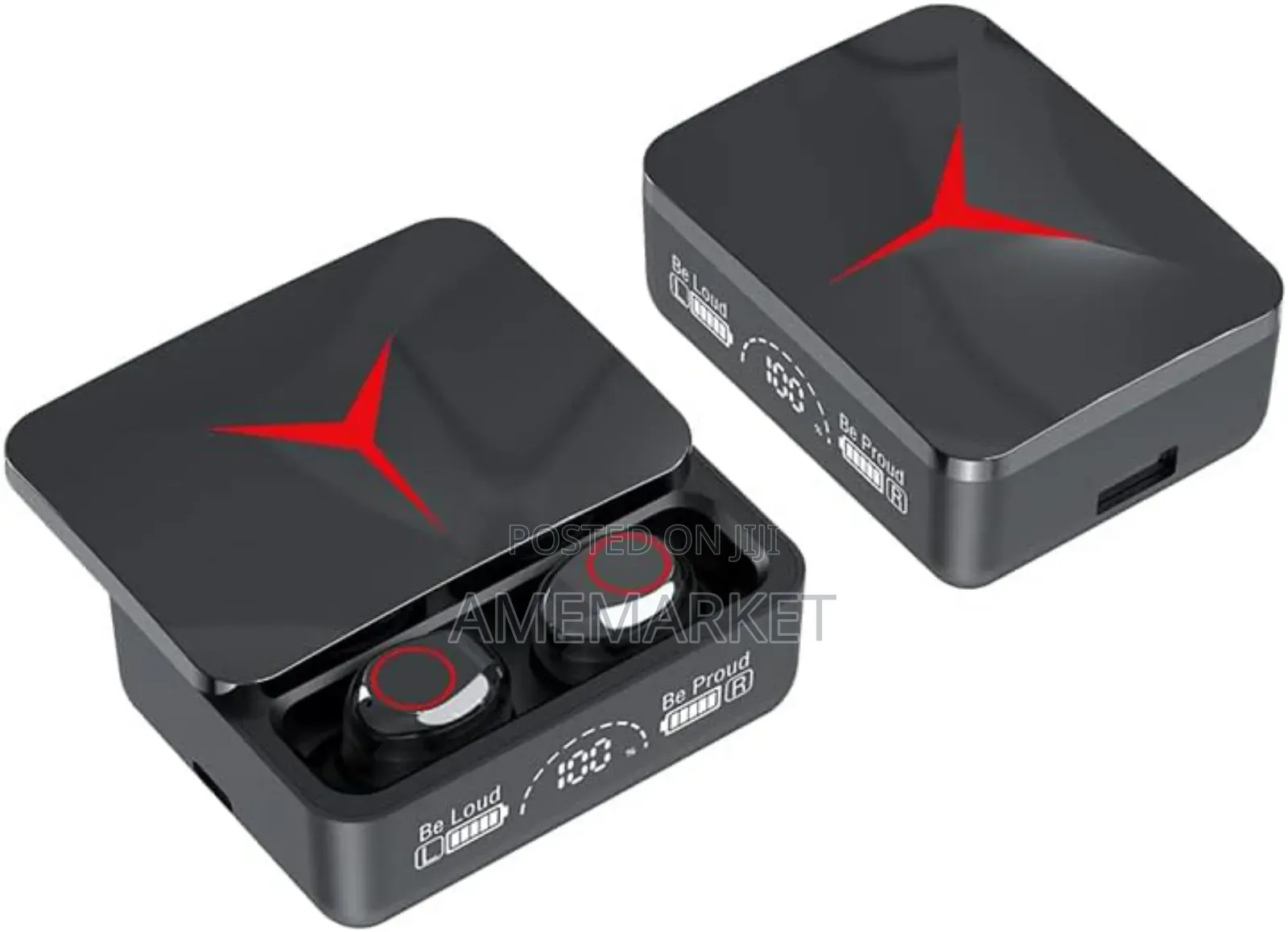
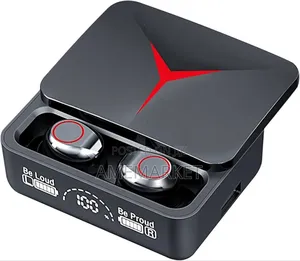
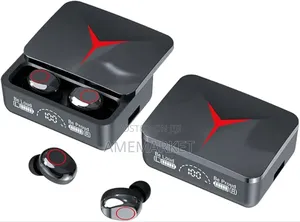
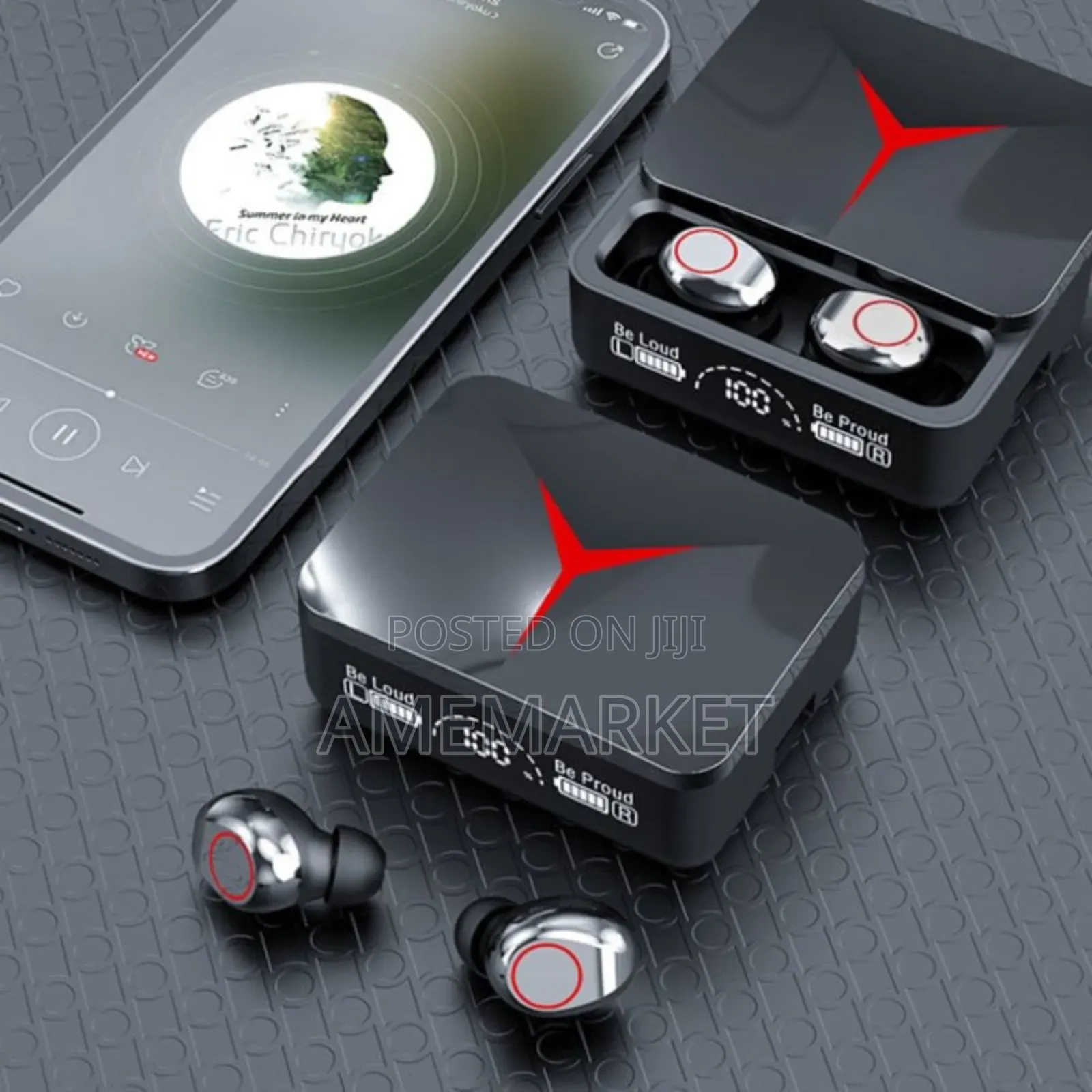
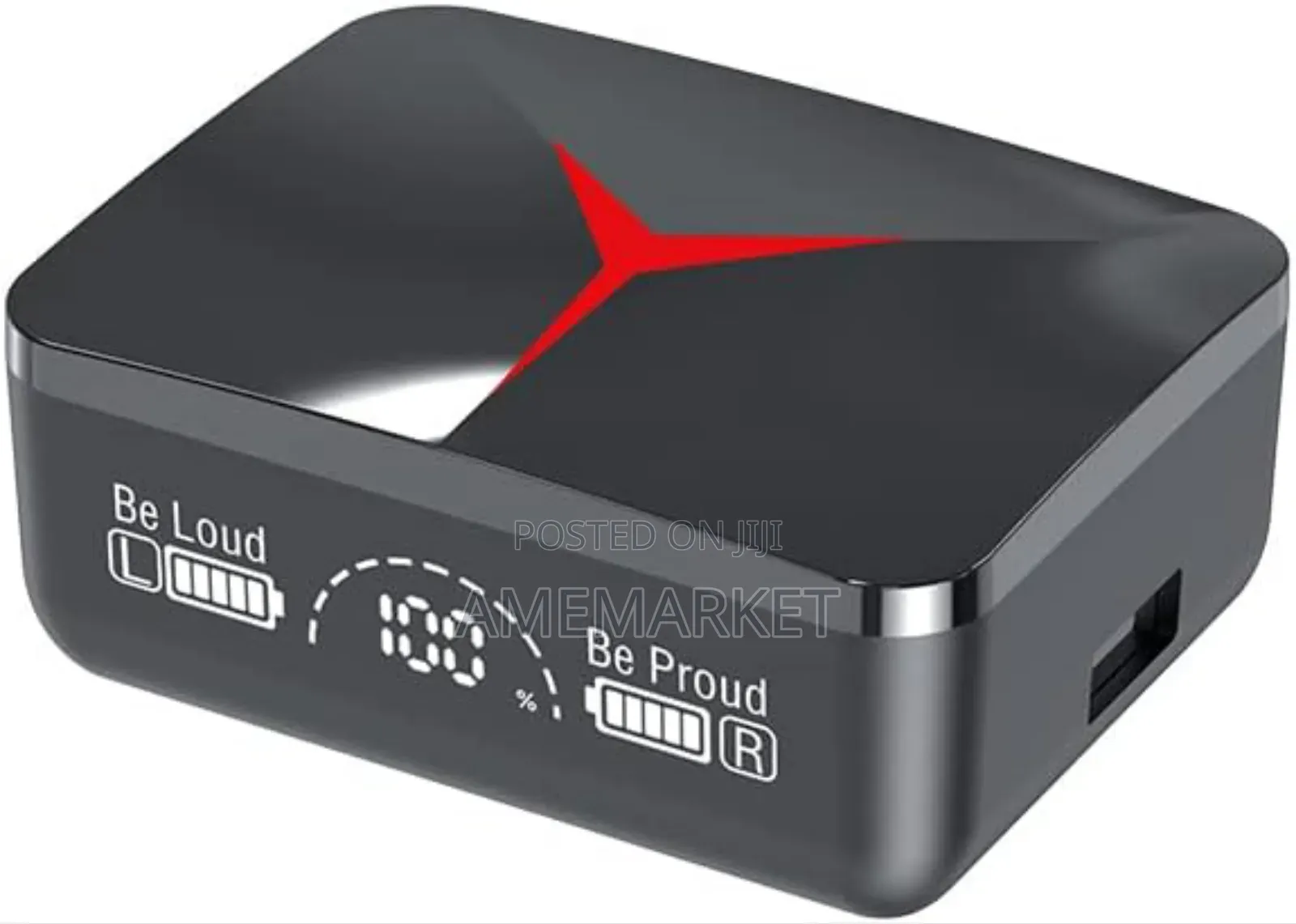
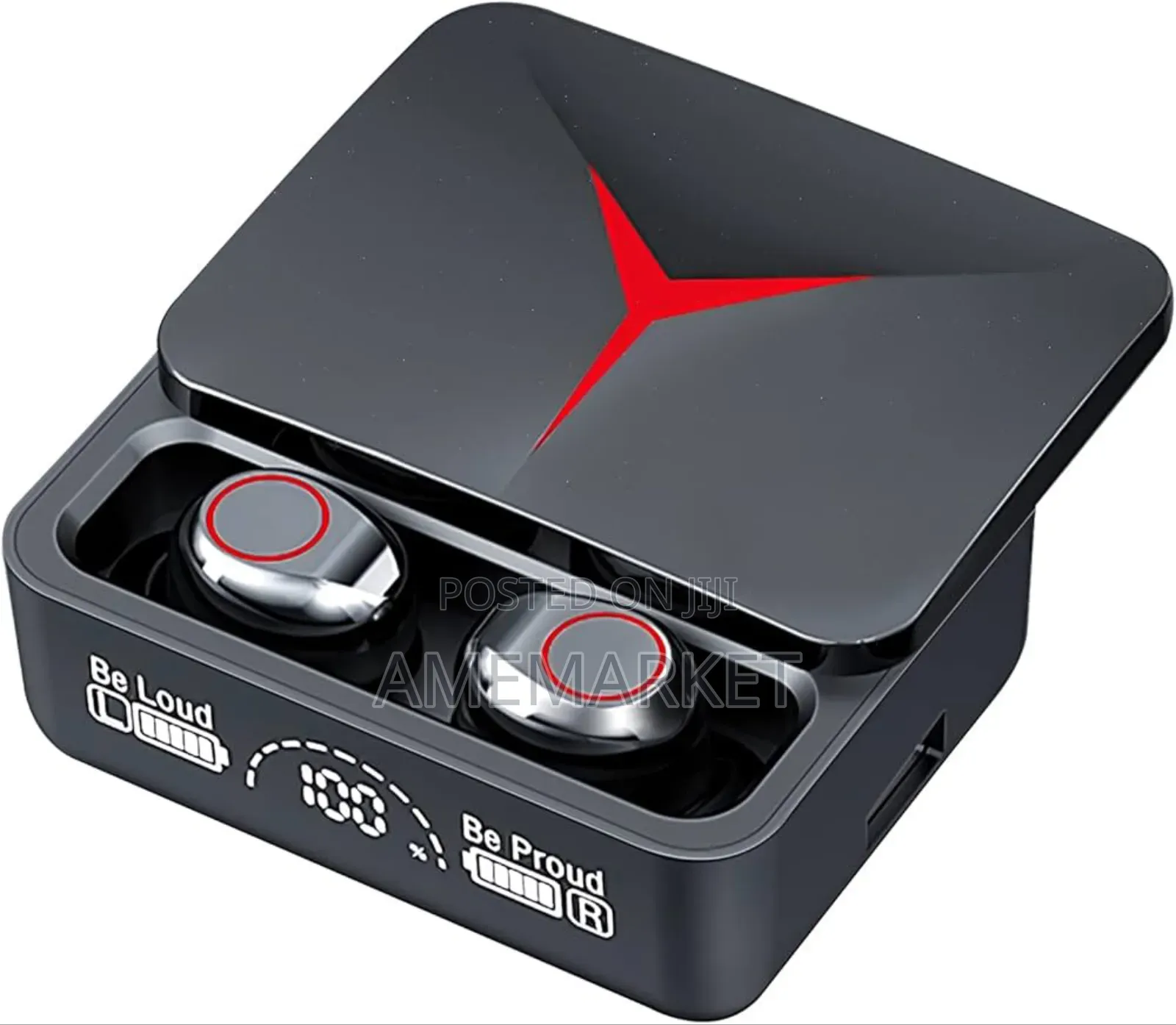
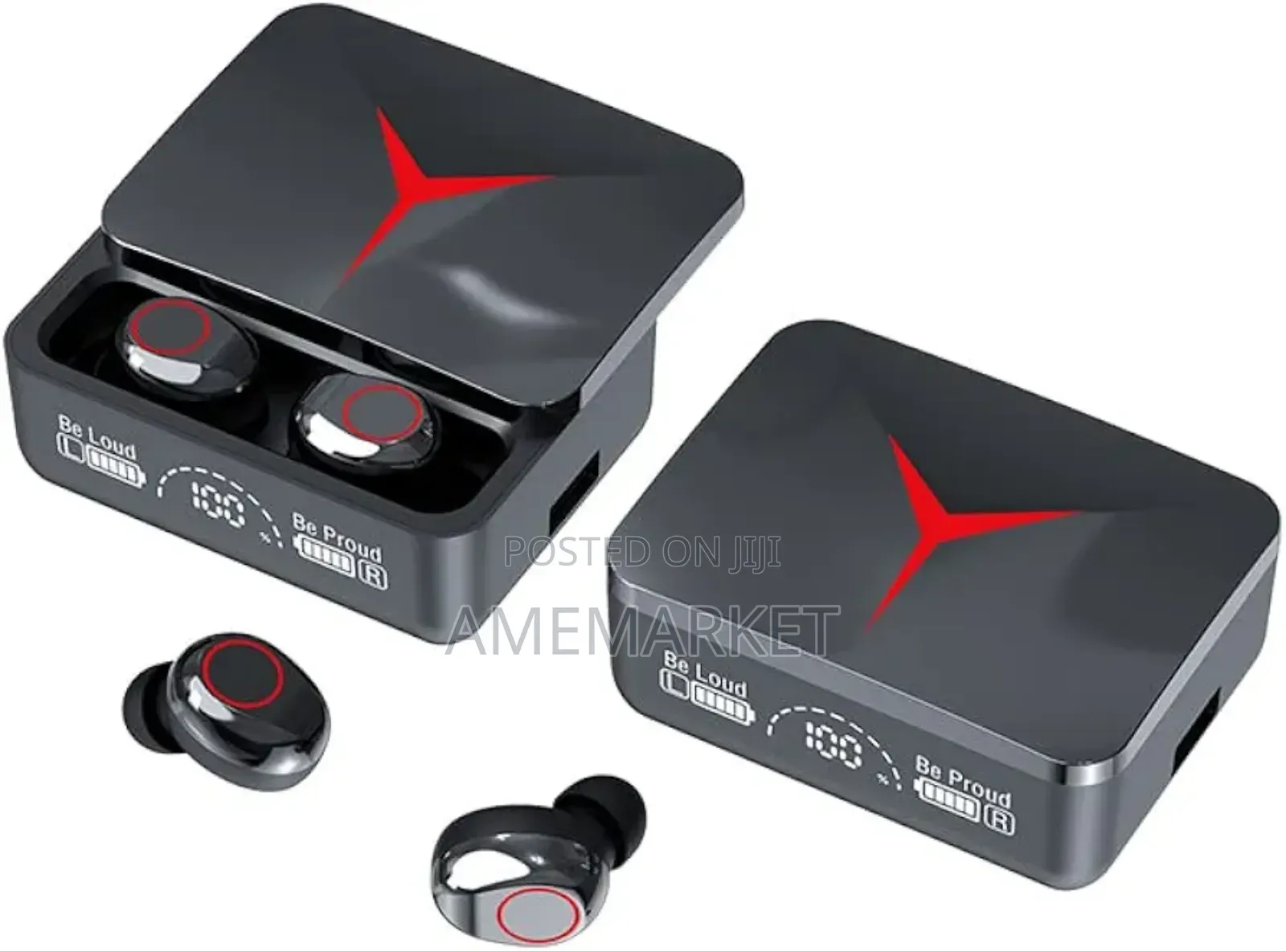
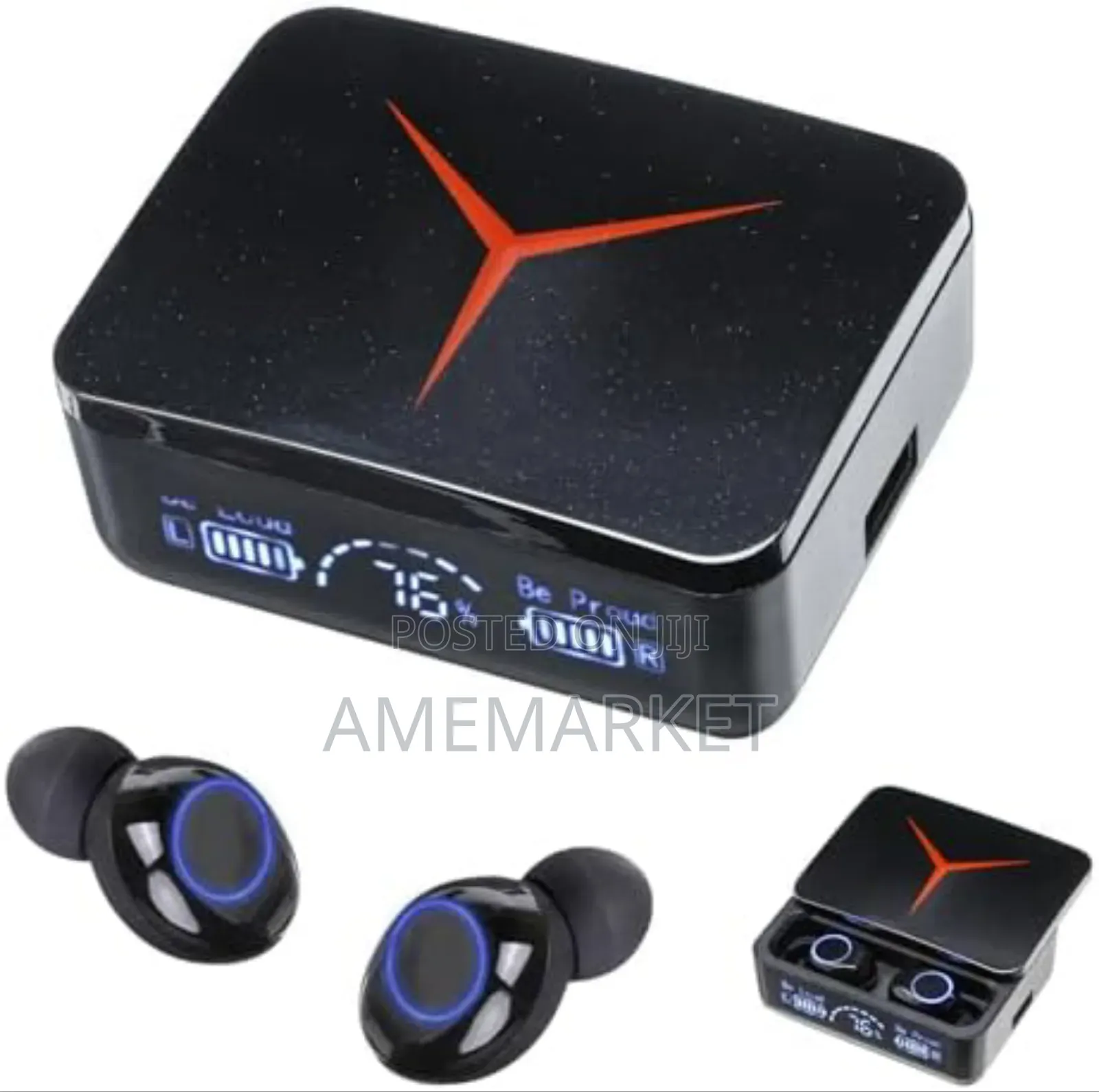
M90 Wireless Headphone Sliding Cover Earbud Bluetooth iPhone
Bluetooth
Connecting Interface
Black
Color
Store address
Ashanti • Kumasi Metropolitan
Tanoso
Opposite Multicredit
Open now
• Mon - Sat, 08:00-18:30
Model:M90
Standby time:140h
Use your time:5- 6h
Charge warehouse capacity:2000mAh
Wearing a way:ln-ear wear
Bluetooth version:Bluetooth 5.3
Charging time:1-2h
The headset capacity:40mAh
Transmission distance:15m
1. Turn on the Bluetooth headset and set it to pairing mode.
2. Turn on Bluetooth function on the device that needs to be connected.
3. Search for available Bluetooth devices on the device.
4. Select the Bluetooth headset you want to connect to.
5. Wait for the connection between the device and Bluetooth headphones to be established.

Safety tips
- Avoid paying in advance, even for delivery
- Meet with the seller at a safe public place
- Inspect the item and ensure it's exactly what you want
- Make sure that the packed item is the one you've inspected
- Only pay if you're satisfied





