2X Enterprise
1/4
Promoted
Greater Accra, Dansoman, 2 hours ago
124 views
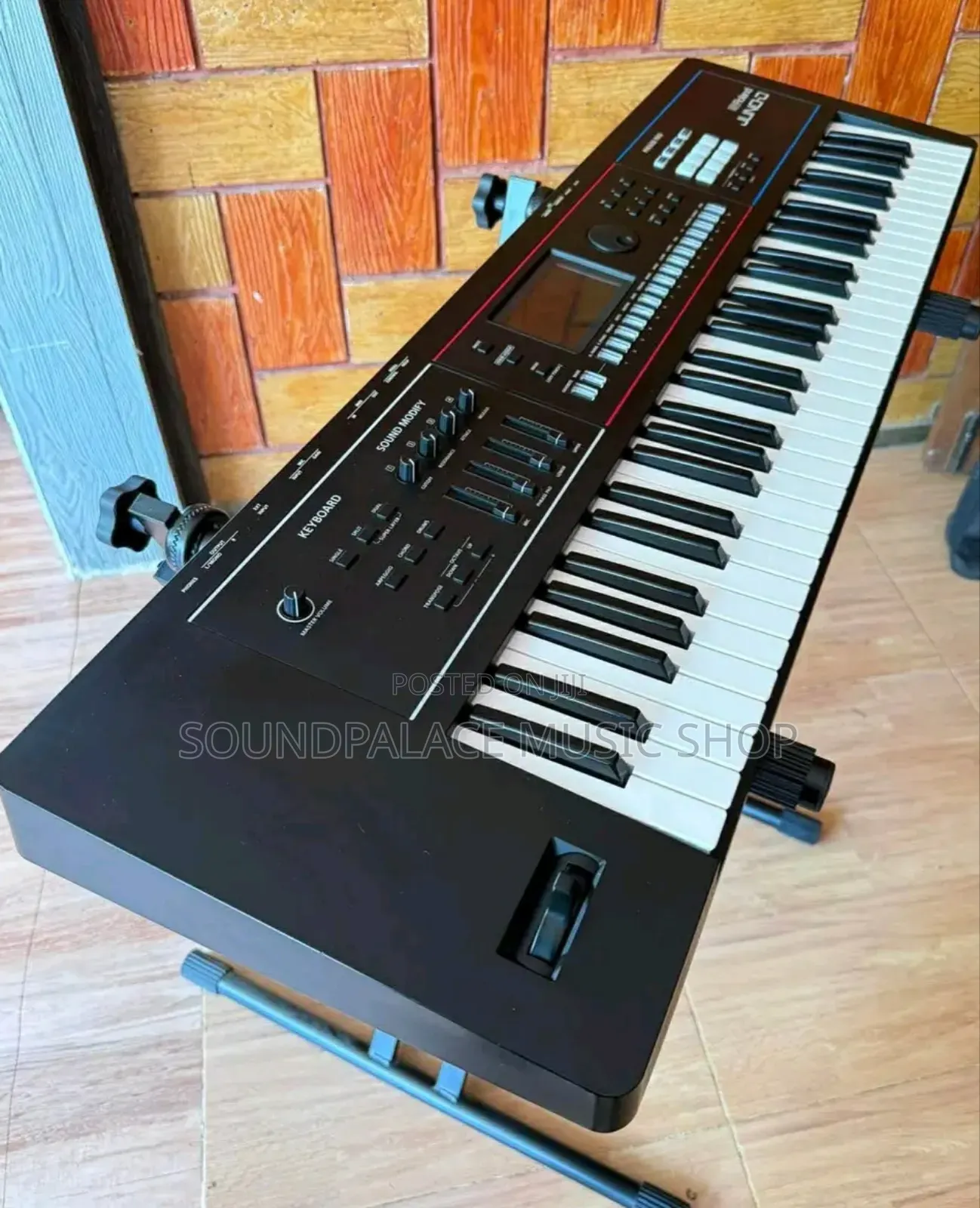
Roland JUNO-D6 Synthesizer Keyboard
Roland
Brand
Electronic Keyboards
Type
Other
Connectivity
Professional
Performance Level
Brand New
Condition
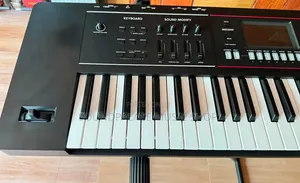
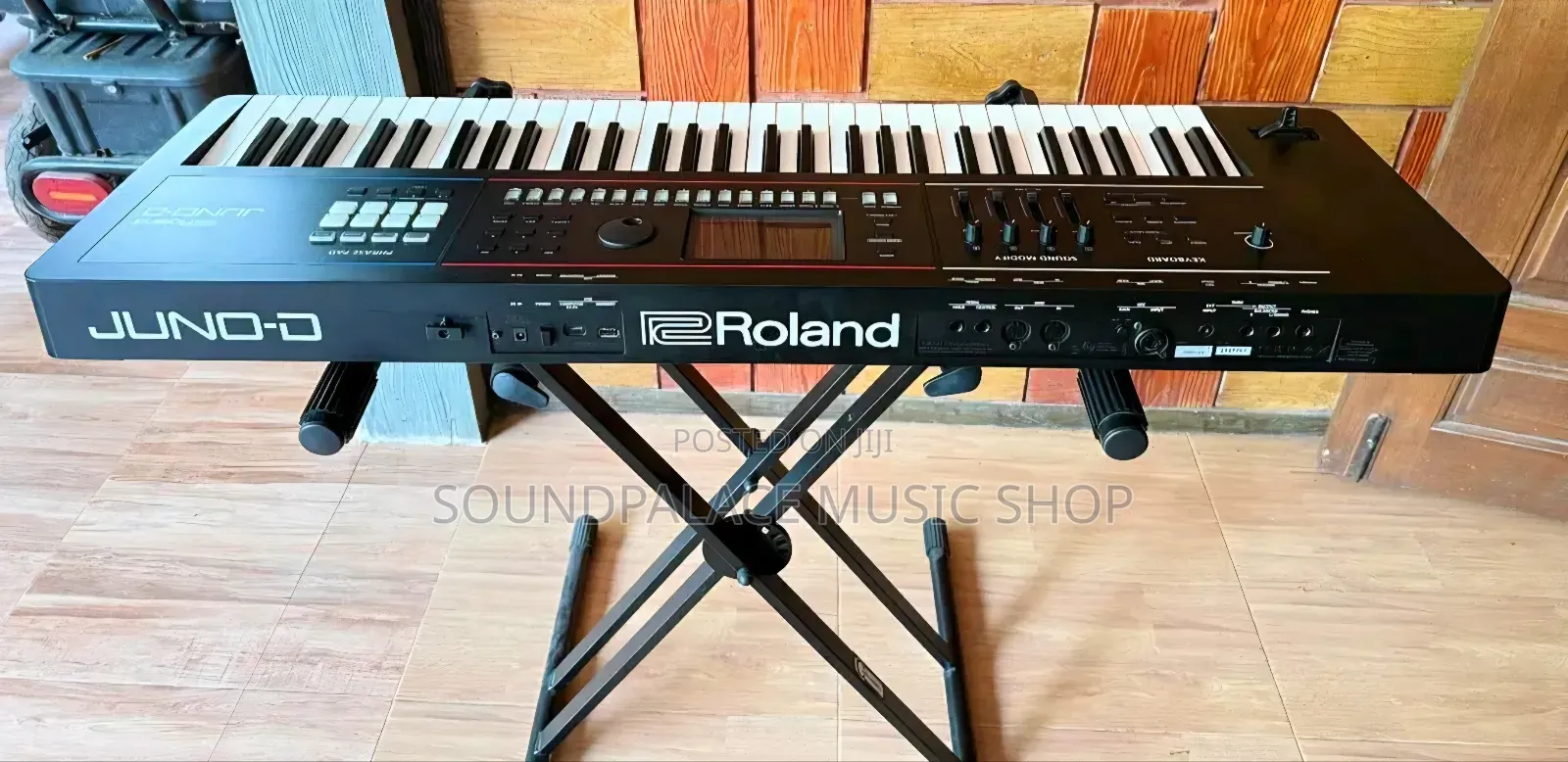
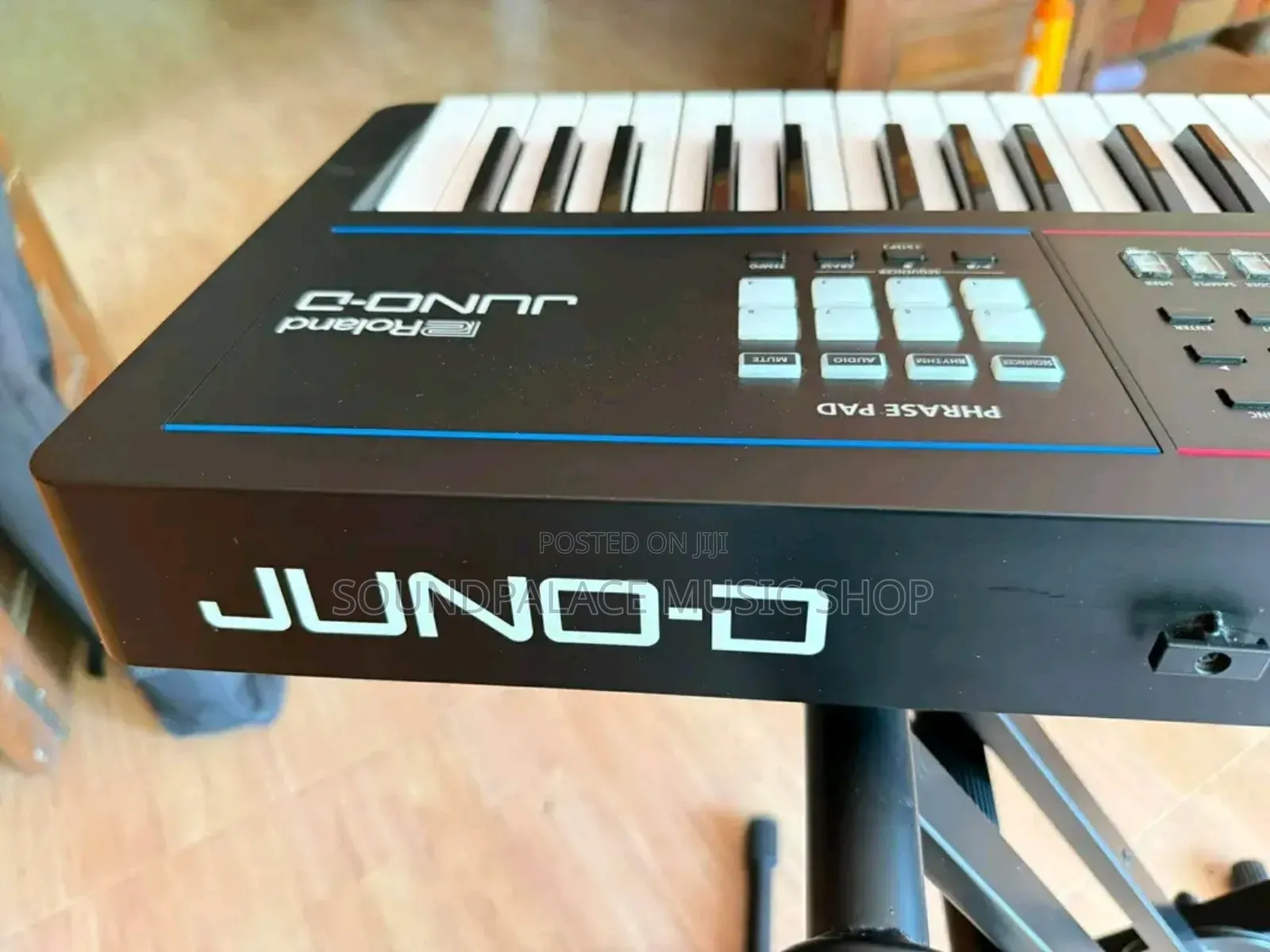
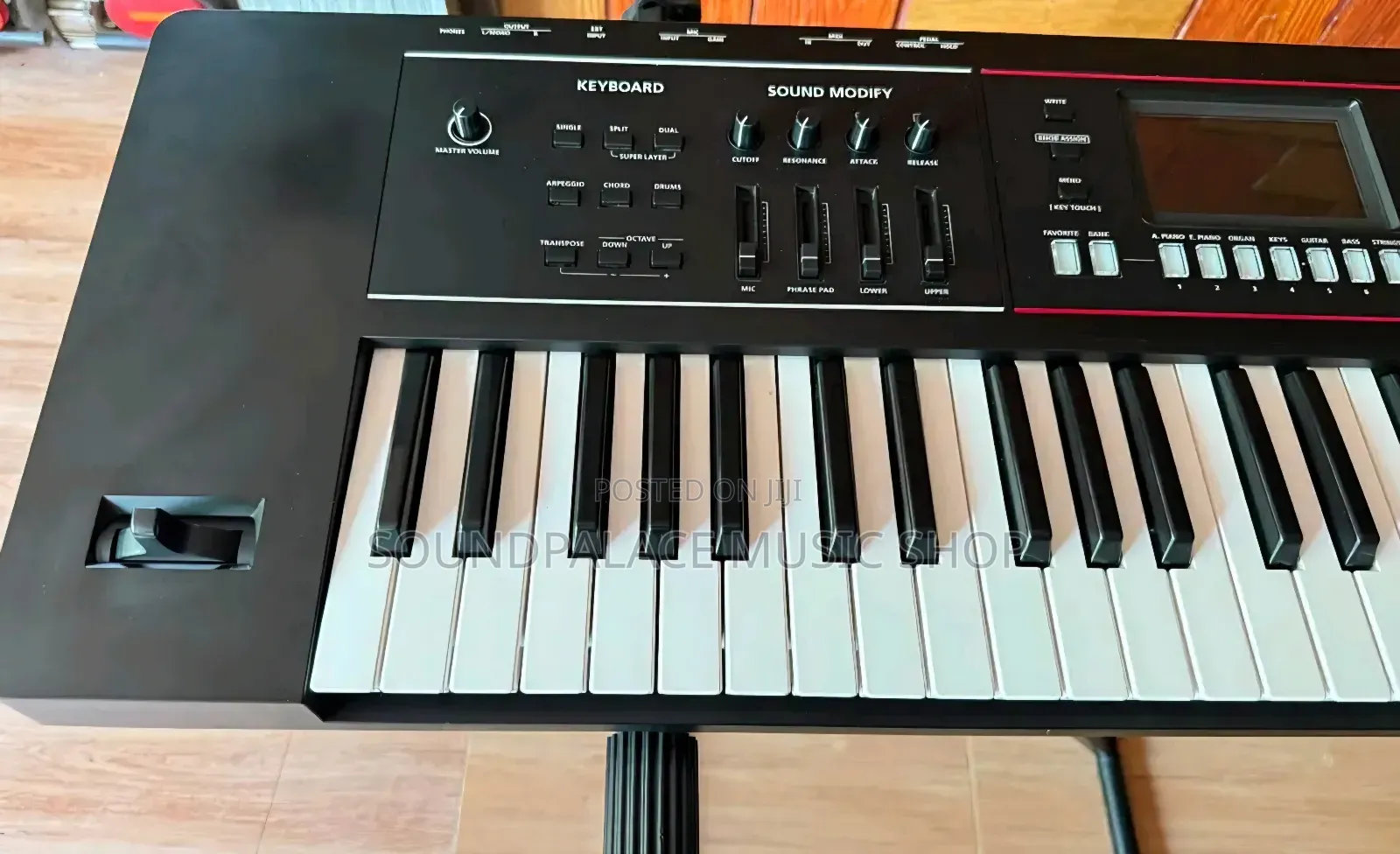
Phrase Pads Section: Located on the left side, featuring eight dynamic pads used to trigger backing loops, audio samples, or step-sequencer patterns on the fly.Central Navigation Hub: Houses a crisp color display, parameter navigation buttons, and a dial wheel to seamlessly search through curated performance setups called Scenes.Sound Modify Controls: Positioned on the right, providing direct, tactile access to key sonic parameters like filter cutoff, resonance, attack, and release via physical knobs and volume sliders.
Live Sound Splitting: Press the SPLIT button to isolate different sounds (e.g., bass on the left hand, piano on the right) across custom keyboard zones.Tone Layering: Press the DUAL button to blend two individual voices together, or press both Split and Dual simultaneously to initialize a powerful Super Layer performance.
Safety tips
- Avoid paying in advance, even for delivery
- Meet with the seller at a safe public place
- Inspect the item and ensure it's exactly what you want
- Make sure that the packed item is the one you've inspected
- Only pay if you're satisfied