
1/2

Promoted
Greater Accra, Circle, 1 hour ago
200 views
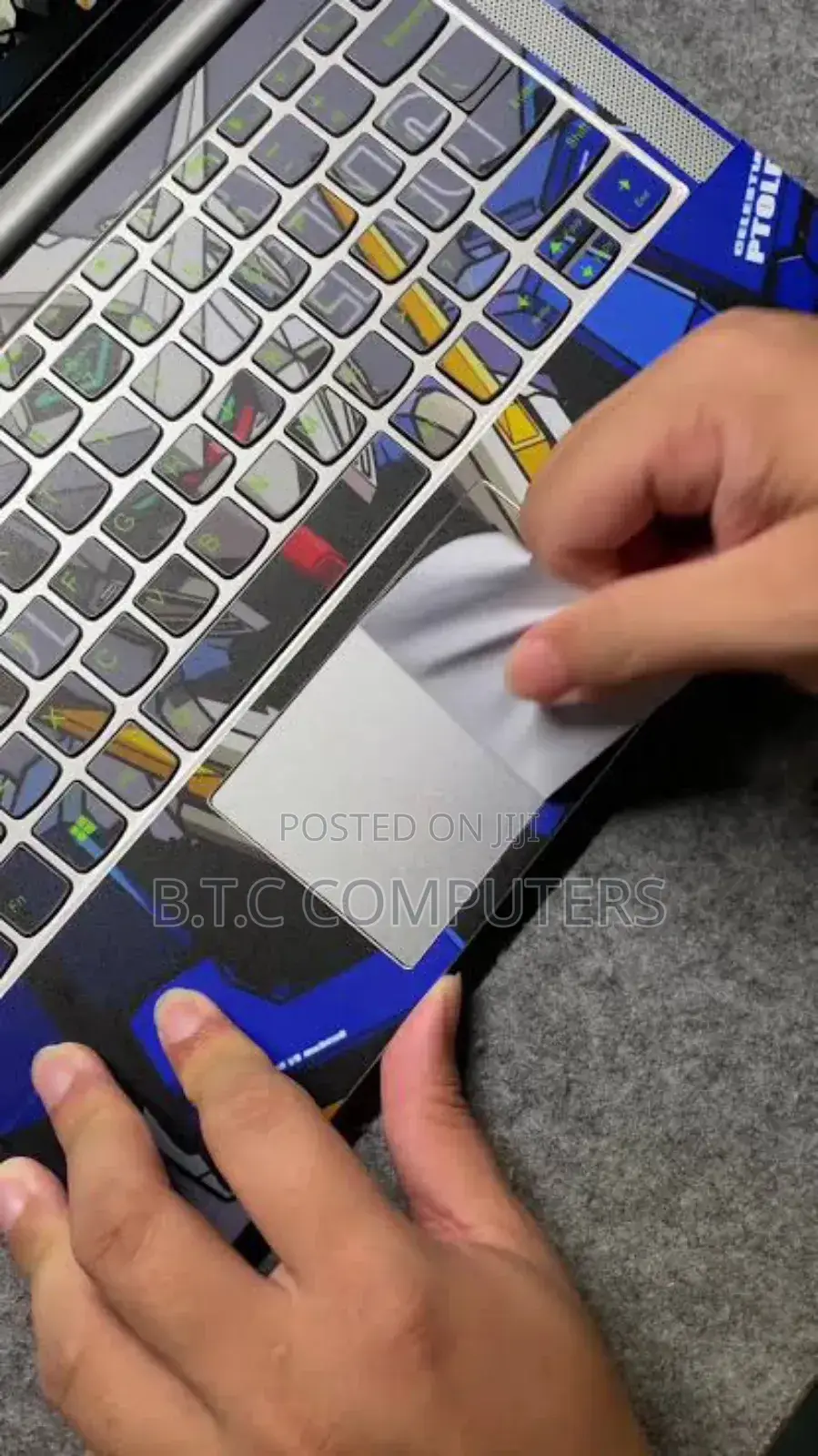
Laptop Sticker Available With Fixing 100ghc
Biafratech computer
Company Name
Laptop STICKER
Type
Store address
Greater Accra • Circle
Accra Circle mall plaza
Circle mall Tip toe lane NAVANA PLAZA 2RD FLOOR
Closed now
• Mon - Sun, 06:30-19:50
How to Apply a Laptop Sticker Perfectly
1. Clean the laptop surface
Turn off the laptop.
Wipe the area with a soft cloth and a little water or mild soap.
Make sure the surface is dust-free, dry, and smooth.
2. Plan the position
Before peeling the sticker, place it on top to see how it will look.
Adjust until you’re happy with the spot.
3. Peel slowly
Peel one edge of the sticker carefully.
Don’t touch the sticky side too much to avoid fingerprints.
4. Apply smoothly
Start from one side and press gently.
Use a plastic card (like an ID card) to push out any air bubbles slowly.
5. Smooth edges
Press the edges firmly so they don’t lift later.
Tips for a Long-Lasting, High-Quality Finish
Use vinyl stickers — they last longer and look premium.
Avoid placing stickers over vents or speakers.


Safety tips
- Check Feedback to make sure the person is reliable
- Agree on the scope of work and remuneration
- Meet in person at a safe public place





