
1/2
Promoted
Greater Accra, Circle, 2 hours ago
8 views
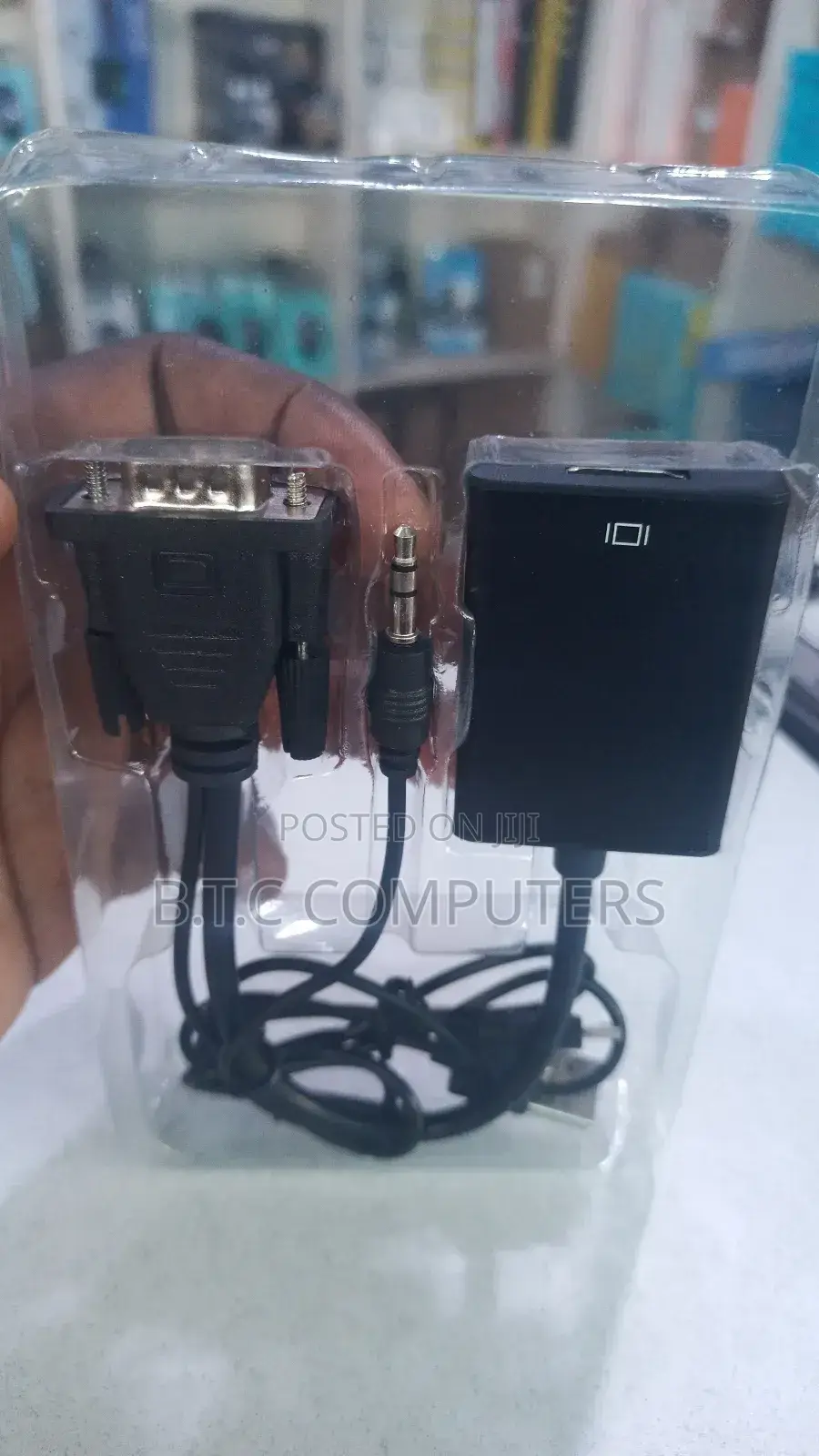
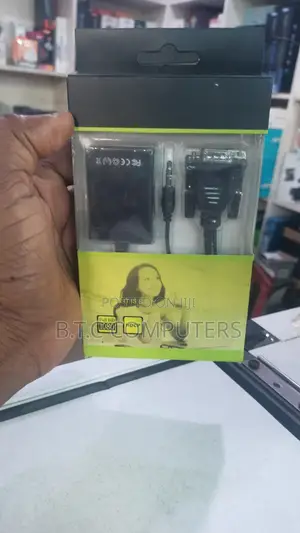
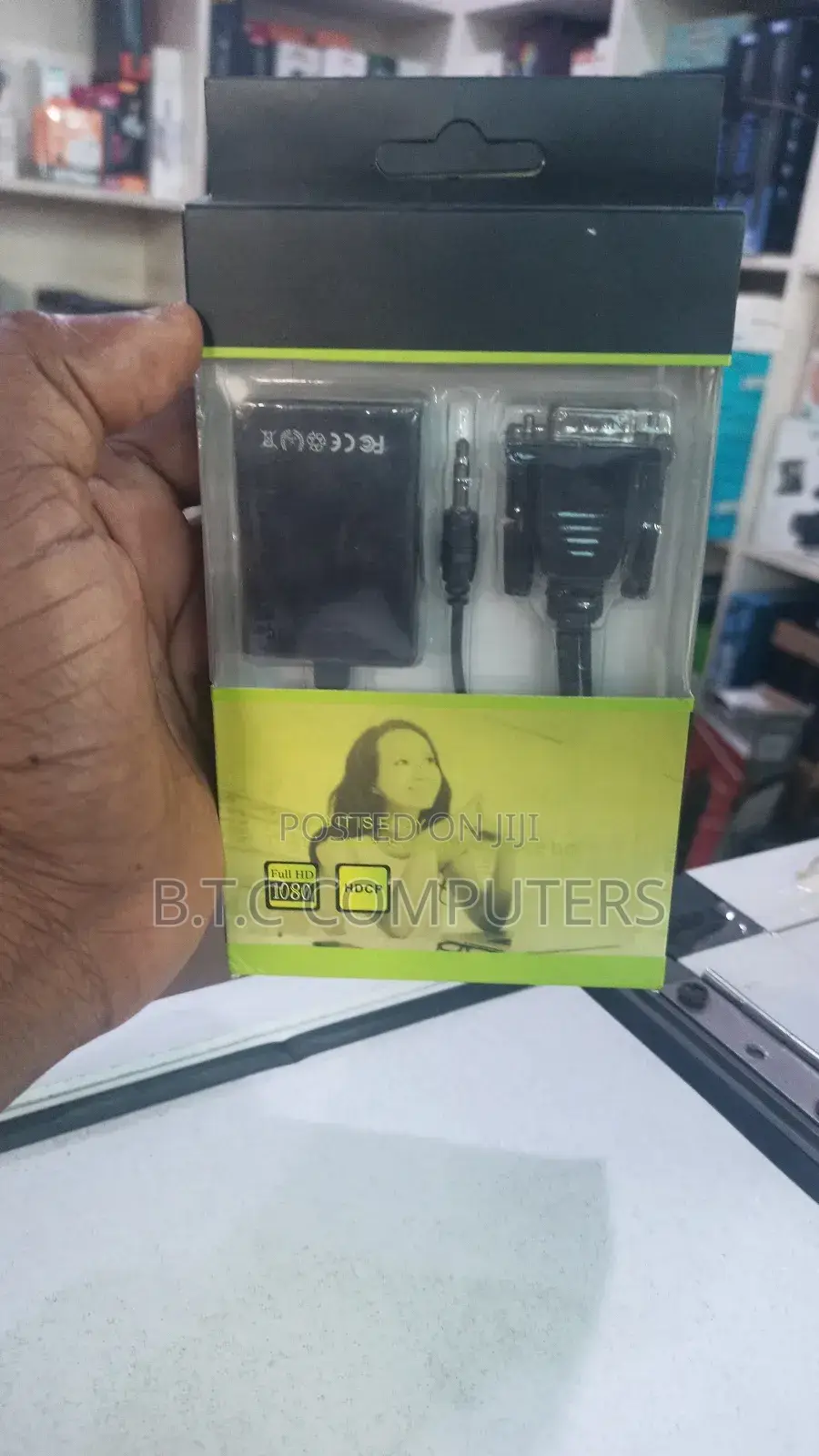
Vga to Hdmi Converter
Adapters
Type
Universal
Brand
Brand New
Condition
HDMI, VGA
Connector 1 Type
HDMI, VGA
Connector 2 Type
2
Number of Inputs
Store address
Greater Accra • Circle
Accra Circle mall plaza
Circle mall Tip toe lane NAVANA PLAZA 2RD FLOOR
Closed now
• Mon - Sun, 06:30-19:50
VGA male connector → connects to your laptop/PC VGA port.
3.5mm audio jack → carries audio (because VGA only carries video).
HDMI output box → this is where your HDMI cable plugs in.
USB power cable (usually included) → powers the converter.
What It Does
It converts VGA (analog video) + audio into HDMI (digital video + sound) for connecting old PCs or projectors to modern TVs/monitors.
How to Use It
1. Plug the VGA connector into your PC.
2. Plug the audio jack into the PC’s headphone/audio-out.
3. Connect an HDMI cable from the converter to your TV/monitor.

Safety tips
- Avoid paying in advance, even for delivery
- Meet with the seller at a safe public place
- Inspect the item and ensure it's exactly what you want
- Make sure that the packed item is the one you've inspected
- Only pay if you're satisfied





