
Diamond
1/4

Promoted
Greater Accra, Circle, 1 hour ago
15 views
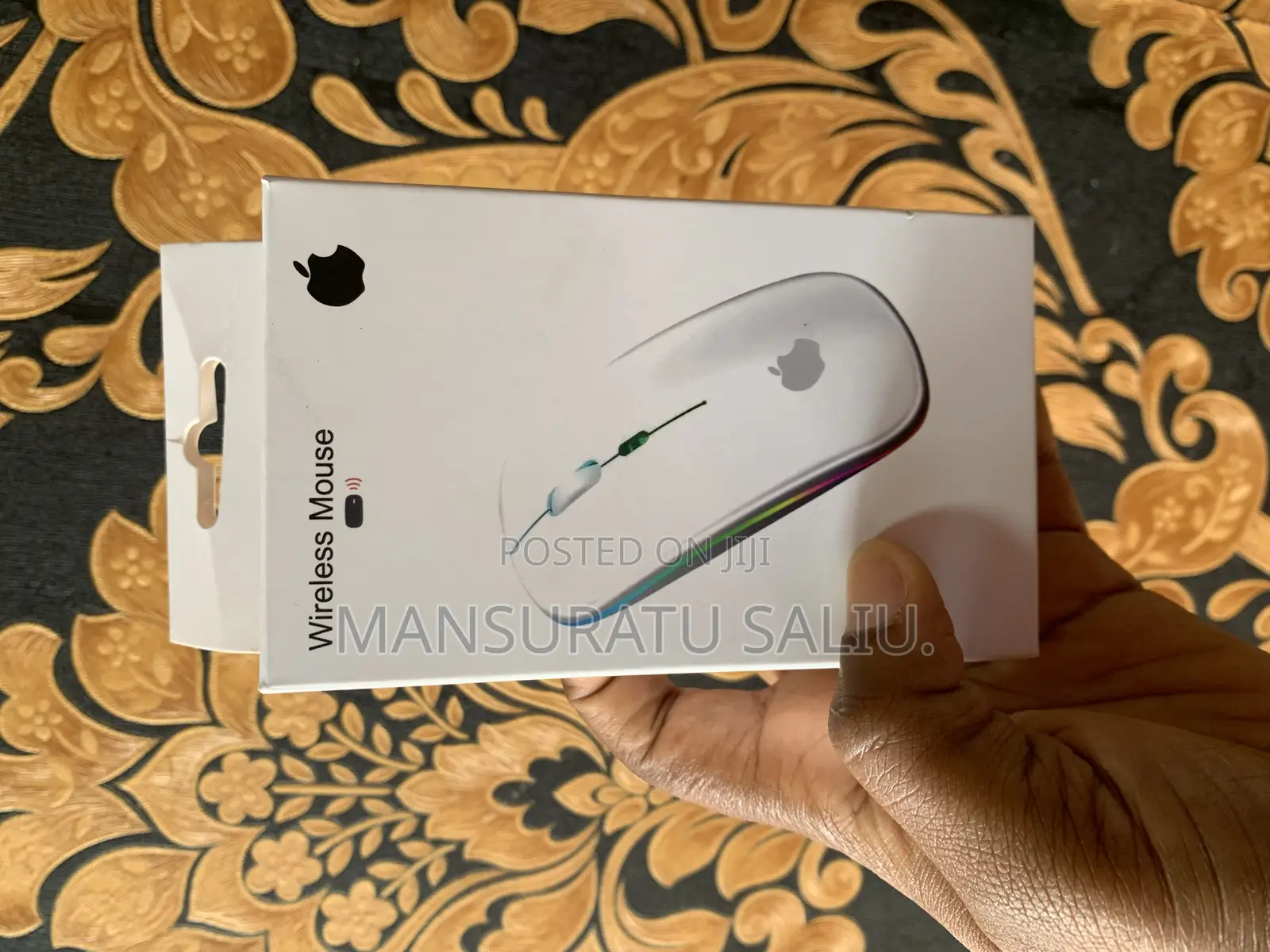
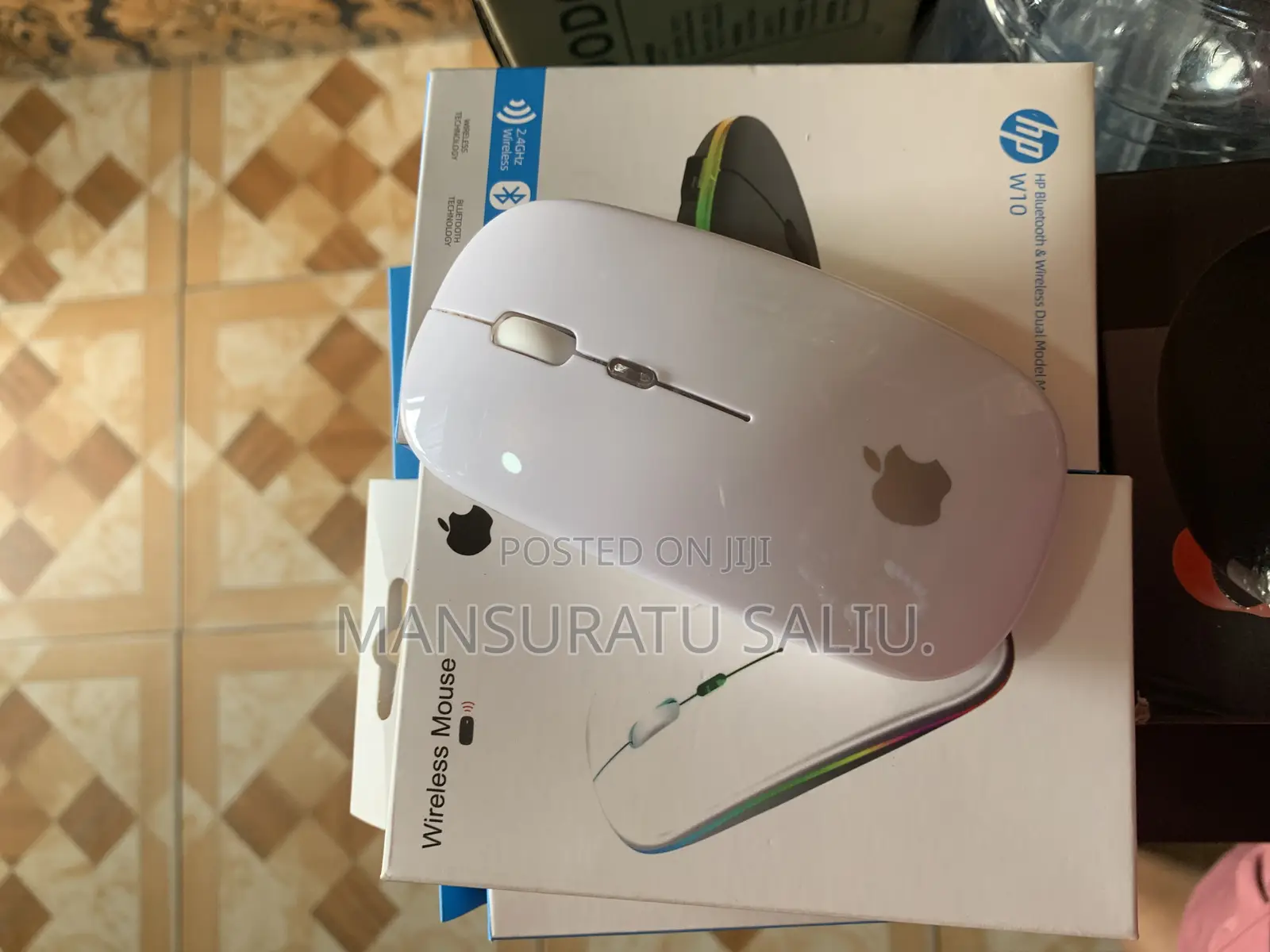
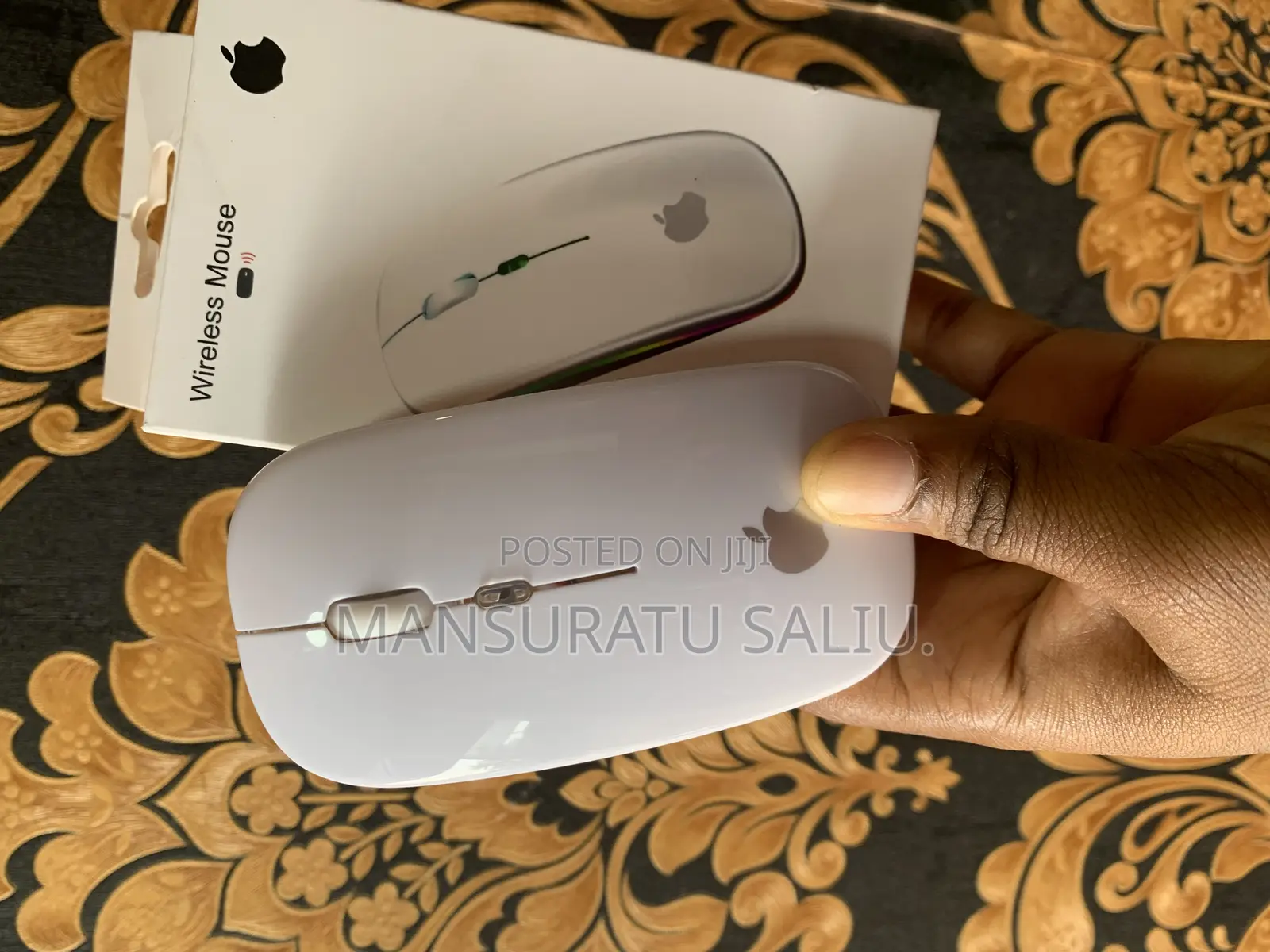
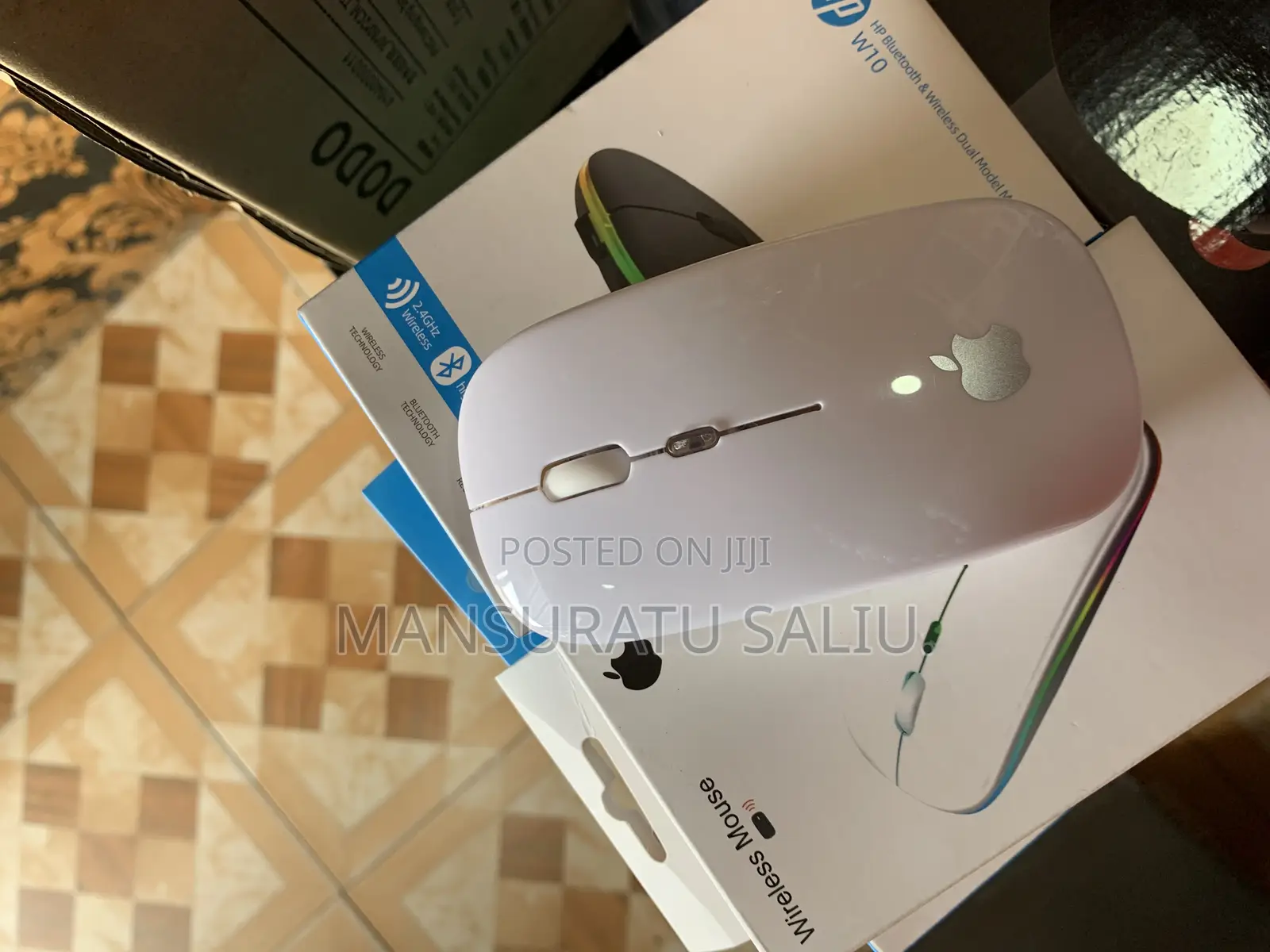
Apple Chargeable Wireless Mouse Fix Price
Store address
Greater Accra • Circle
circle ring Road Central
Closed now
• Mon - Sat, 08:30-19:15
Wireless Mouse
2.4g link when using:
1. insert the USB receiver at the bottom of the mouse into the computer,
1: How to use Bluetooth: 1: Power ON to the ON bit, turn on the Bluetooth of the device, and click the search: BT3.0Mouse or BT5.2 Mouse.
2: iPad - Settings - Auxiliary functions - Touch - auxiliary touch - open it. If you can't find the Bluetooth, turn off the Bluetooth of all connected devices, save the last device you want to connect to, restart the mouse, long press (press) DPI and turn on the device Bluetooth synchronization, then you can reconnect.
Product Features:
1. Uitra-slim design.fashionable and convenient.2 .Strong anti-interference ability. long working distance up to 10M.3.Intelligent energy-saving red light design, long standby time .4. Scroll wheel zips. you through webs with ease and speed.
Cautions:

Safety tips
- Avoid paying in advance, even for delivery
- Meet with the seller at a safe public place
- Inspect the item and ensure it's exactly what you want
- Make sure that the packed item is the one you've inspected
- Only pay if you're satisfied





