
1/3
Promoted
Greater Accra, Bubuashie, 2 hours ago
5 views
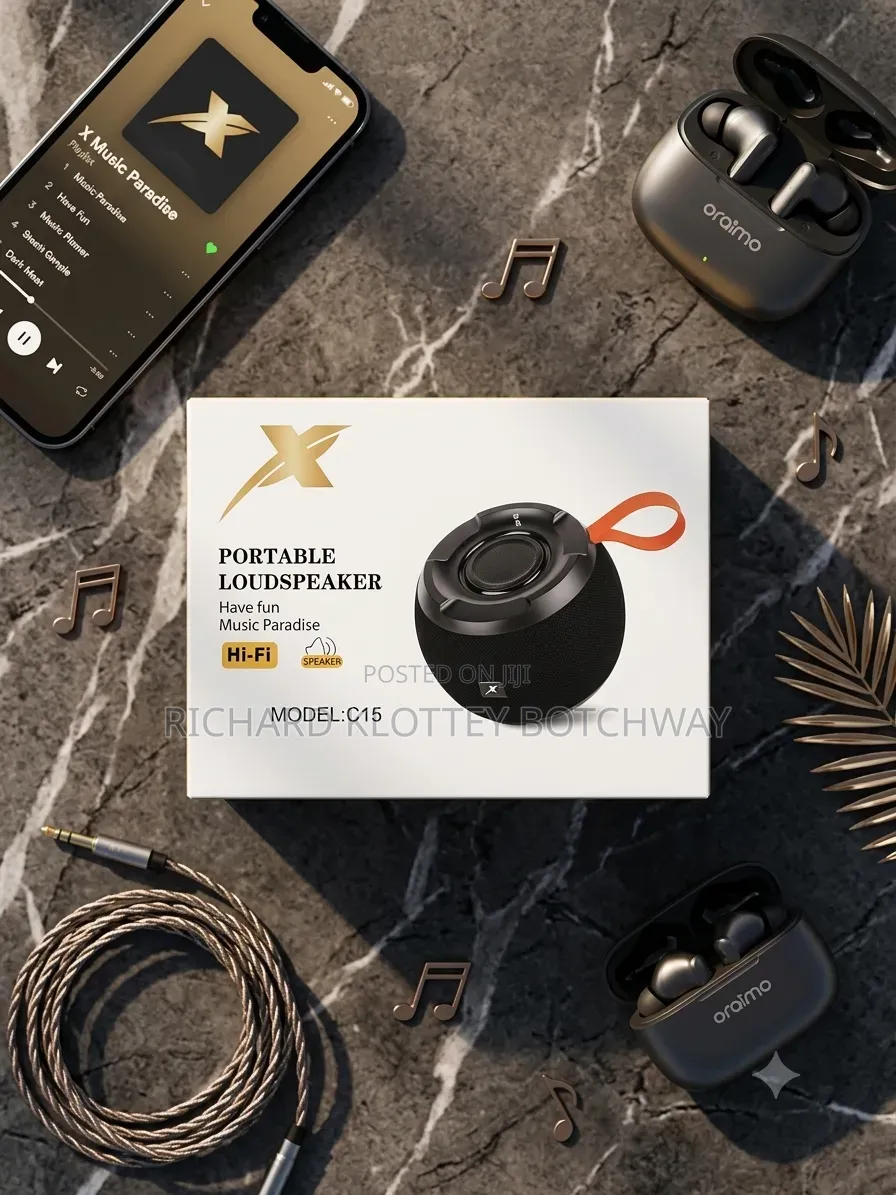
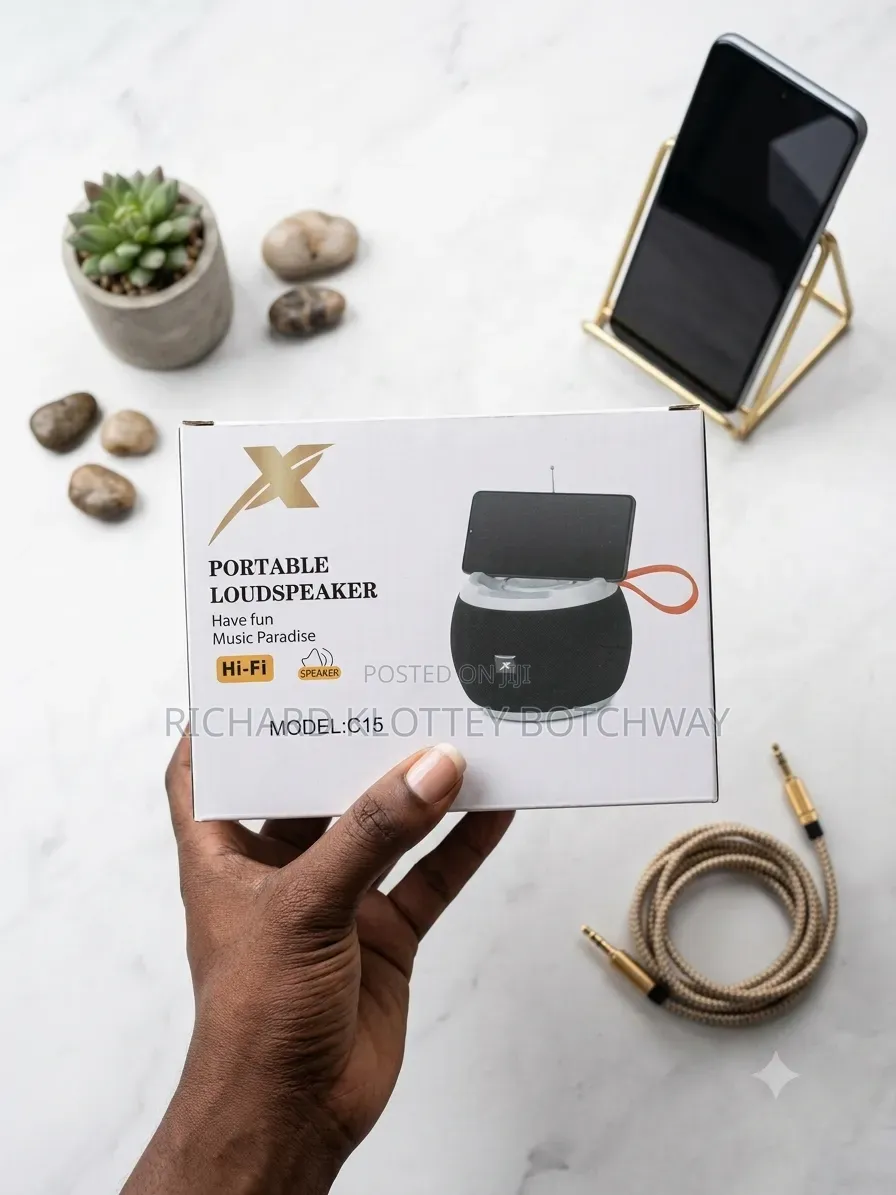
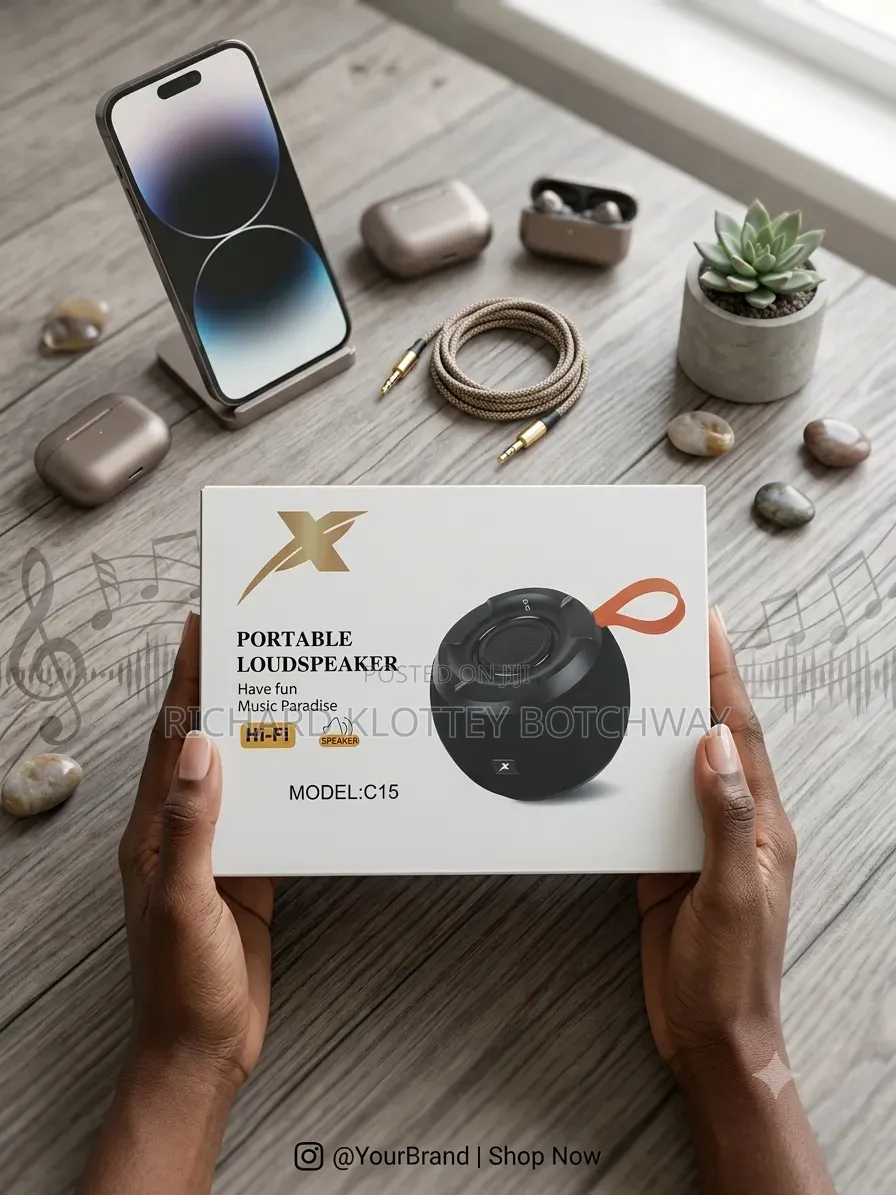
Portable Loudspeaker
Speakers
Type
Brand New
Condition
Hifi
Brand
0watts
Speaker Output Power
Aux, Bluetooth, SCART, USB, Wireless
Speaker Connectivity
No
Exchange Possible
1.Mode switch, single press to switch modes
2.Next song/Volume+: At the USB/TF card mode, short press to play the next music long press to increase the volume.
3.Previous song/Volume-: At the USB TF card mode, short press to play the previous music long press to decrease the volume
4. Play/Pause:
1At the card mode, single press to enter play pause function
2At the USB card mode, single press to enter play/pause function
3At the TF card mode, single press to enter play/pause function
5.TF card jack
6.USB charging jack: Red LED light indicates it
is in charging state. The light is off if charging is full.
7.Líne-in jack
8.ON/OFF
9.USB card jack
Safety tips
- Avoid paying in advance, even for delivery
- Meet with the seller at a safe public place
- Inspect the item and ensure it's exactly what you want
- Make sure that the packed item is the one you've inspected
- Only pay if you're satisfied





