
1/3
Greater Accra, Adenta, 9 hours ago
8 views
Al Contact Lense for Effective Communication
Gardfarm
Company Name
Digital Marketing
Type of Service
Book & eBook Marketing
Specialization
Delivery
Greater Accra • Adenta
1-2 days
Free of charge
Across country
1-2 days
GH₵ 50 - 100
Across country
1-2 days
GH₵ 15 - 25
Across country
1-2 days
Free of charge
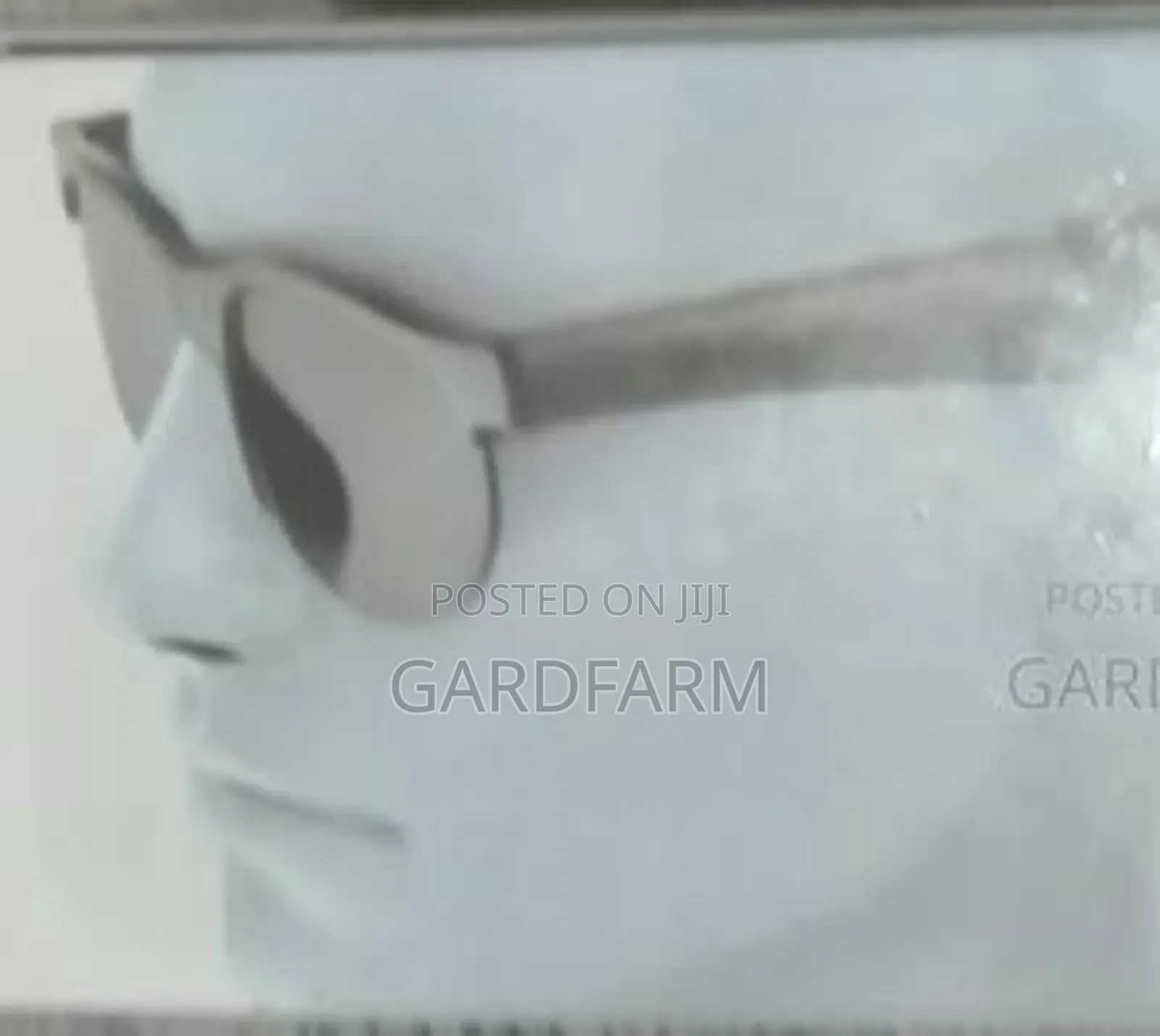
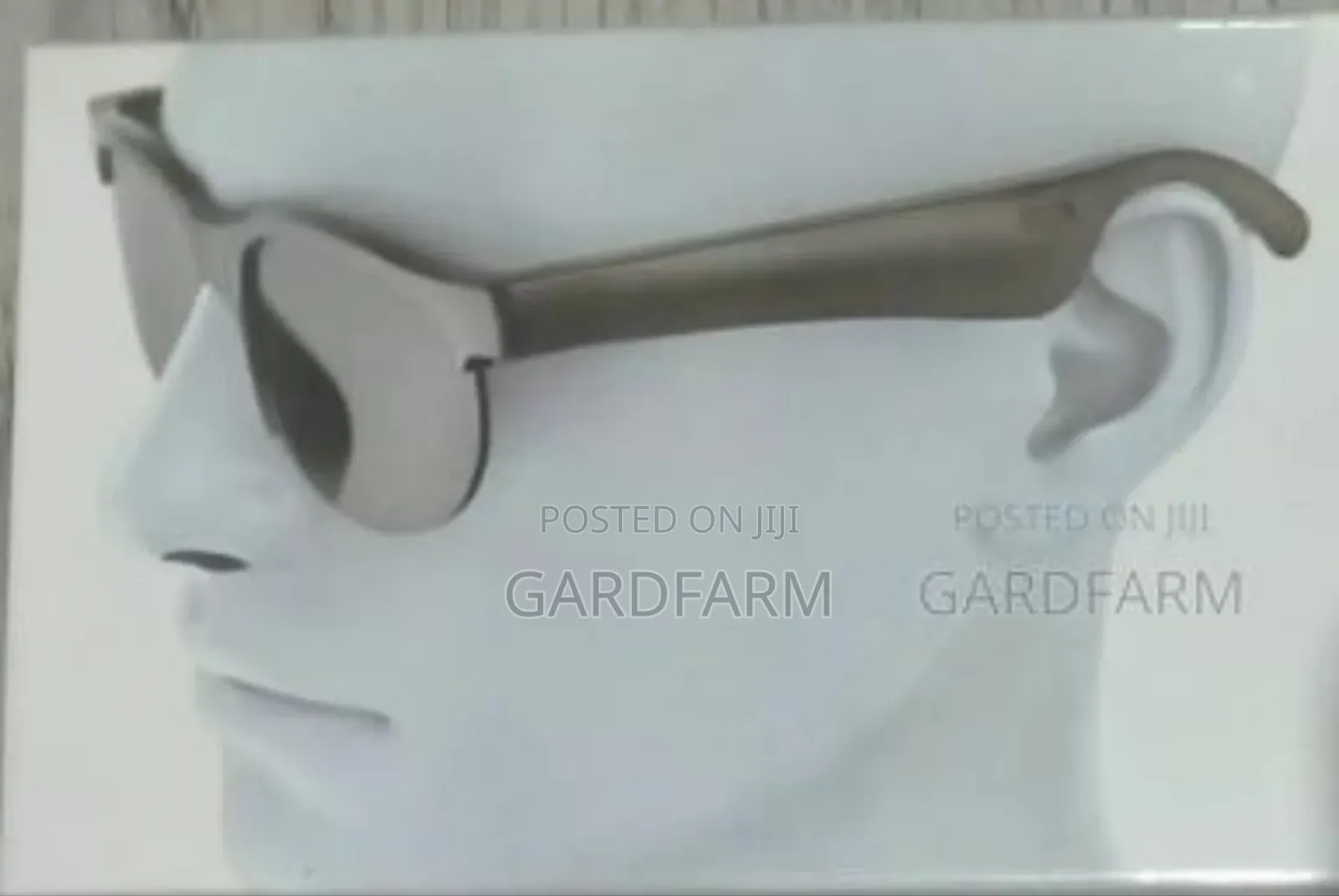
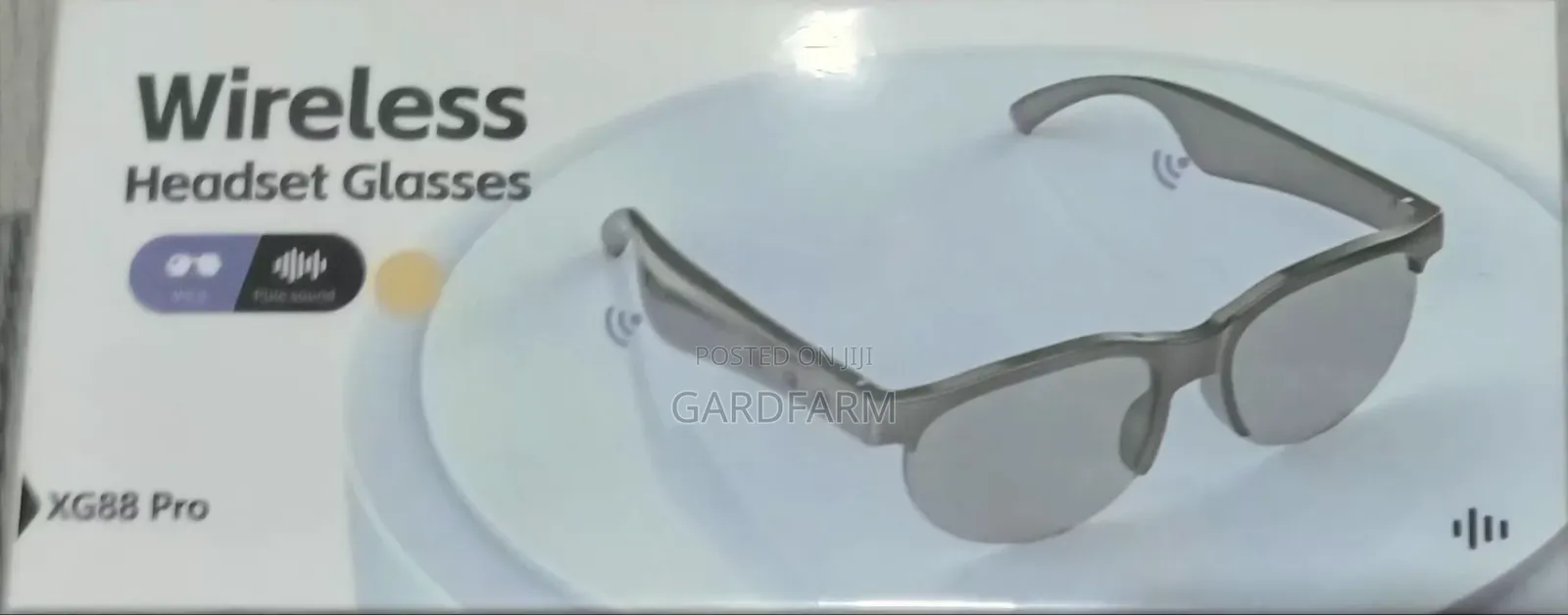
: Stylish sunglasses + wireless Bluetooth headset in one. Enjoy music, take calls and protect your eyes.
How to Use the Wireless Headset Glasses (XG88 Pro)
• Power On/Off
• Long-press power button on the glasses’ arm until U hear “Power On” or see light flash.
• Turn off, press & hold again till “Power Off.”
• Pair with Phone (1st Time)
• Turn Bluetooth on your phone.
• Search “XG88 Pro” in the Bluetooth list.
• Tap to connect. U hear “Connect.”
• Music Playback
• Songs from phone will come tru the glasses.
• Use the buttons on the glasses’ side to play/pause, next/previous track.
• Calls
• Press button once to answer calls.Press to end call.
• Long-press to reject calls.
• Charging
• Use charging cable, connect to charging port on the glasses.
• Red/blue light shows charge status.
• Works up to 5–6 hrs on a full charge.
Safety tips
- Check Feedback to make sure the person is reliable
- Agree on the scope of work and remuneration
- Meet in person at a safe public place





