
Promoted
Greater Accra, Accra Metropolitan, 53 min ago
16 views
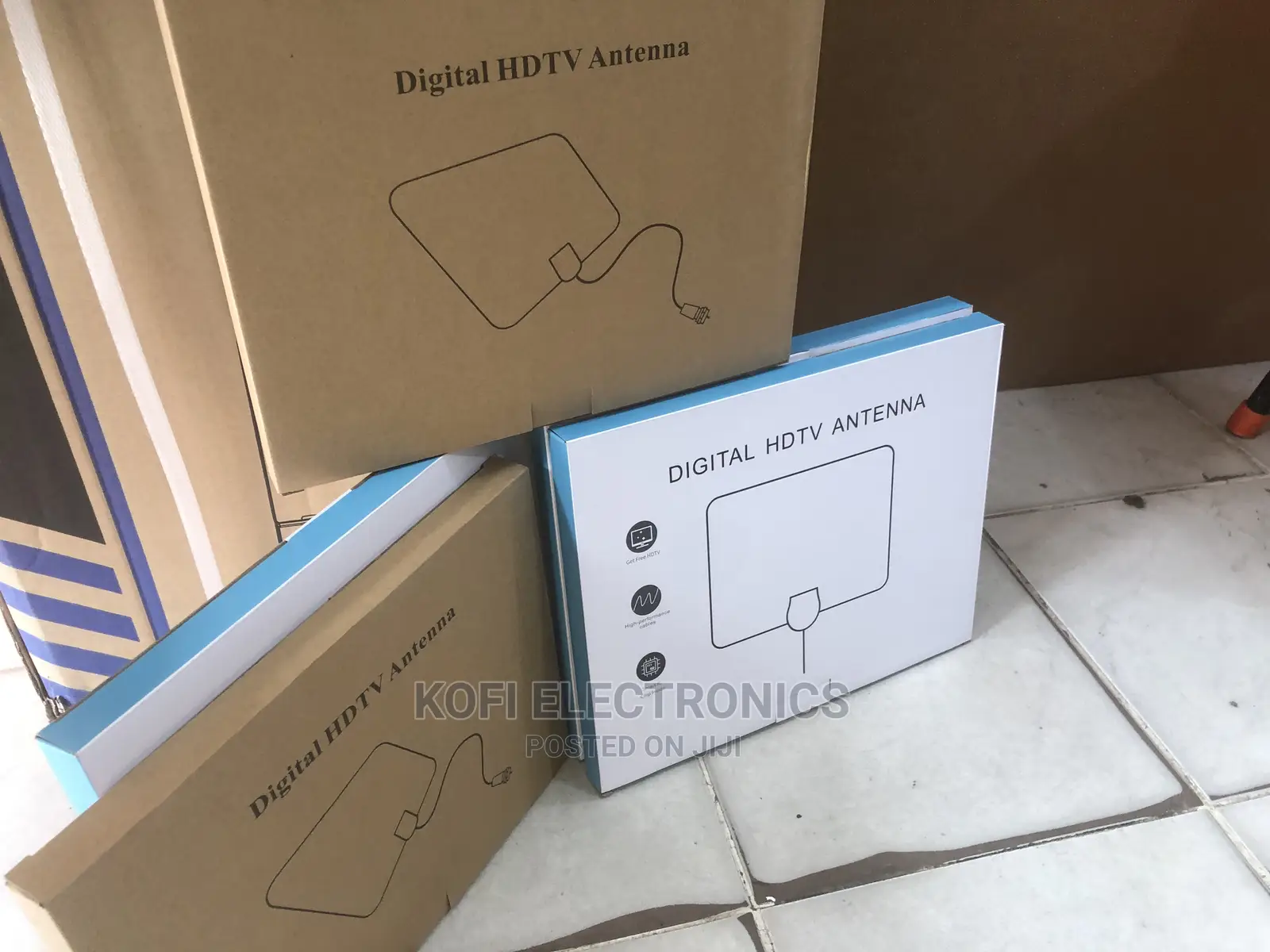
Detachable Signal Amplifier TV Antenna Indoor
Tuners
Type
Other
Brand
Brand New
Condition
DVB-T2
TV Standard
FulHD
Image Resolution
Antenna Input, USB
Tuners Ports
Store address
Greater Accra • Circle
Adabraka Kojo Thompson Road
09:00-18:00
Setup guide:
Step1: Connect the end of attached coaxial cable to the ANT/IN connector on the back of the TV of Digital Converter Box, plug the USV plug into the USB port of the TV of Digital Converber Box.
Step 2: Hand held the antenna, by the window, place it horizontally from vertically.
Step 3: In the TV's of STB's setup menu, set the tuner mode to ""Antenna"" from ""Air"" For a more detailed instructions, please refer to your TV manual.
Step 4: In the TVs of STB's setup menu, set TV to "scan" for a channels. This can sometimes be listed as auto program, auto scan, channel search of channel scan. Consult the TV manual for detailed instructions.
Step 5: If reception is sporadic, try moving the antenna to another location and rescanning the TV until optimal position is found.
Step 6: Fix the antenna at the optimal position you found.
Adjustment of antenna directions
Connect the antenna to TV properly.
Set TV Antenna mode.

Safety tips
- Avoid paying in advance, even for delivery
- Meet with the seller at a safe public place
- Inspect the item and ensure it's exactly what you want
- Make sure that the packed item is the one you've inspected
- Only pay if you're satisfied





