
1/5
Promoted
Greater Accra, Accra Metropolitan, 25 min ago
11 views
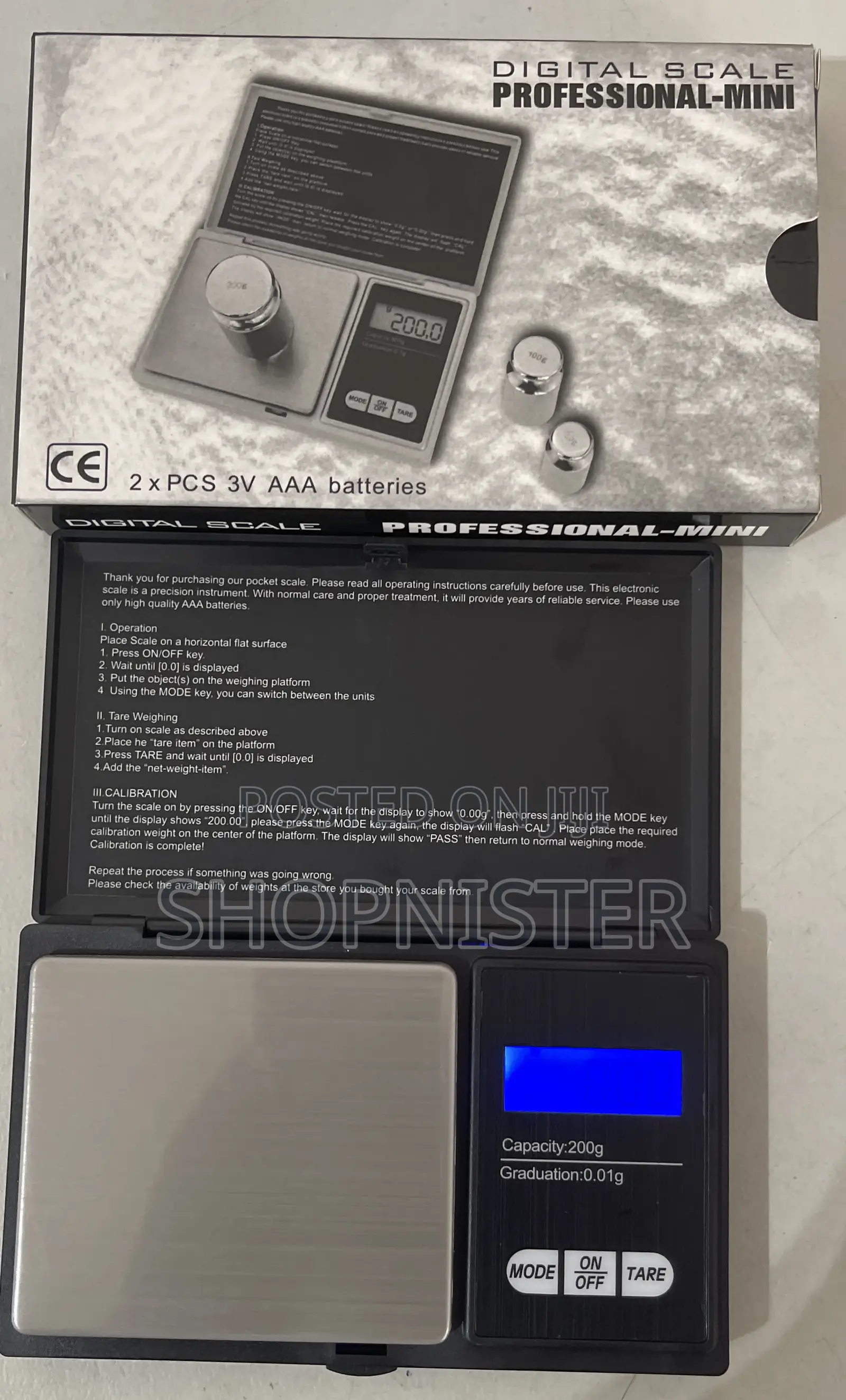
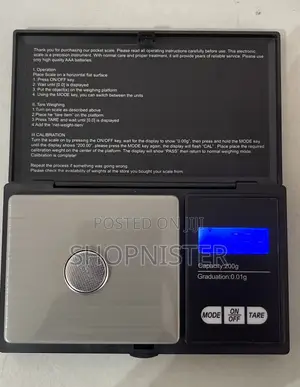
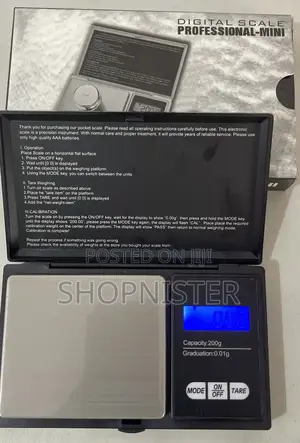
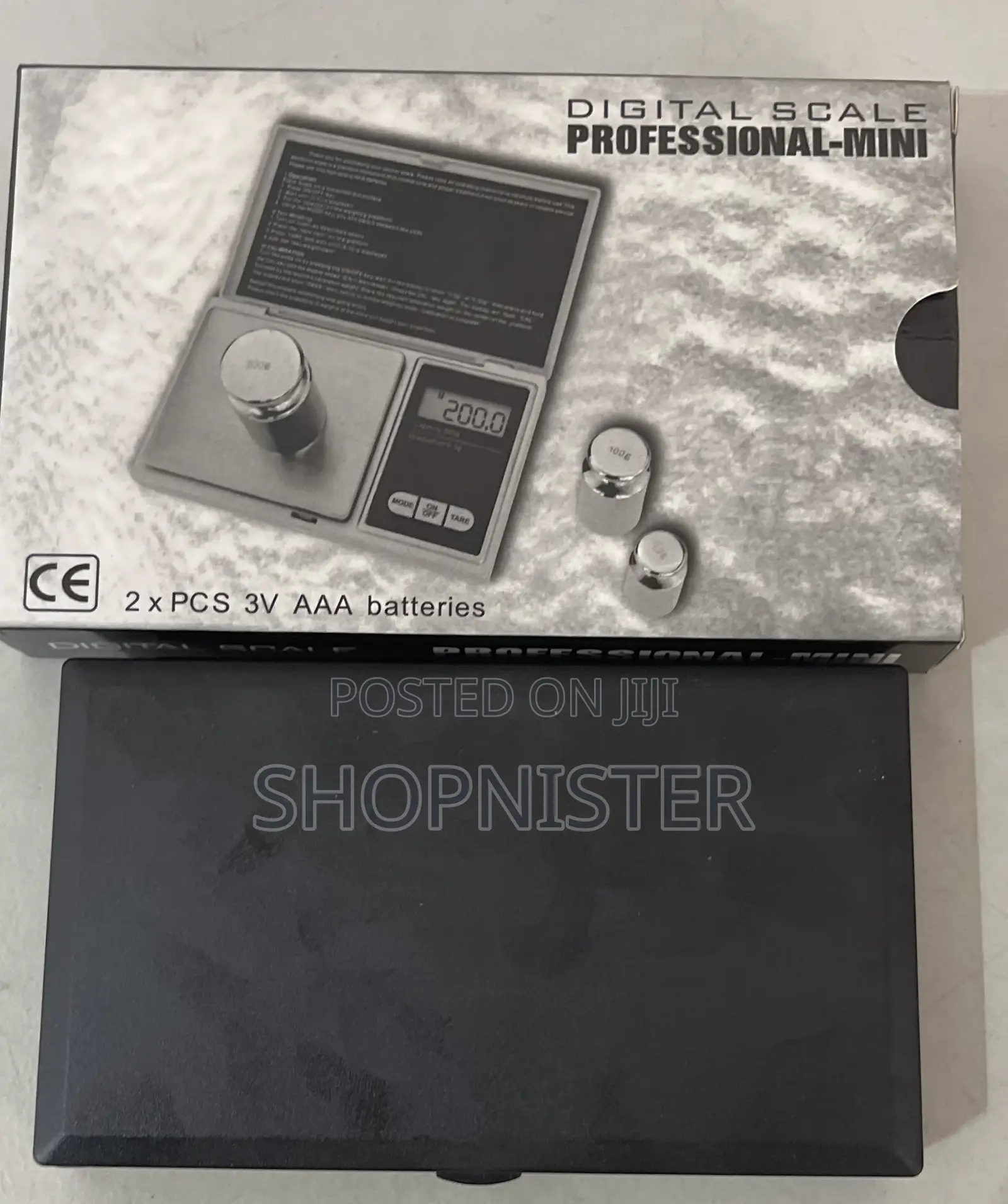
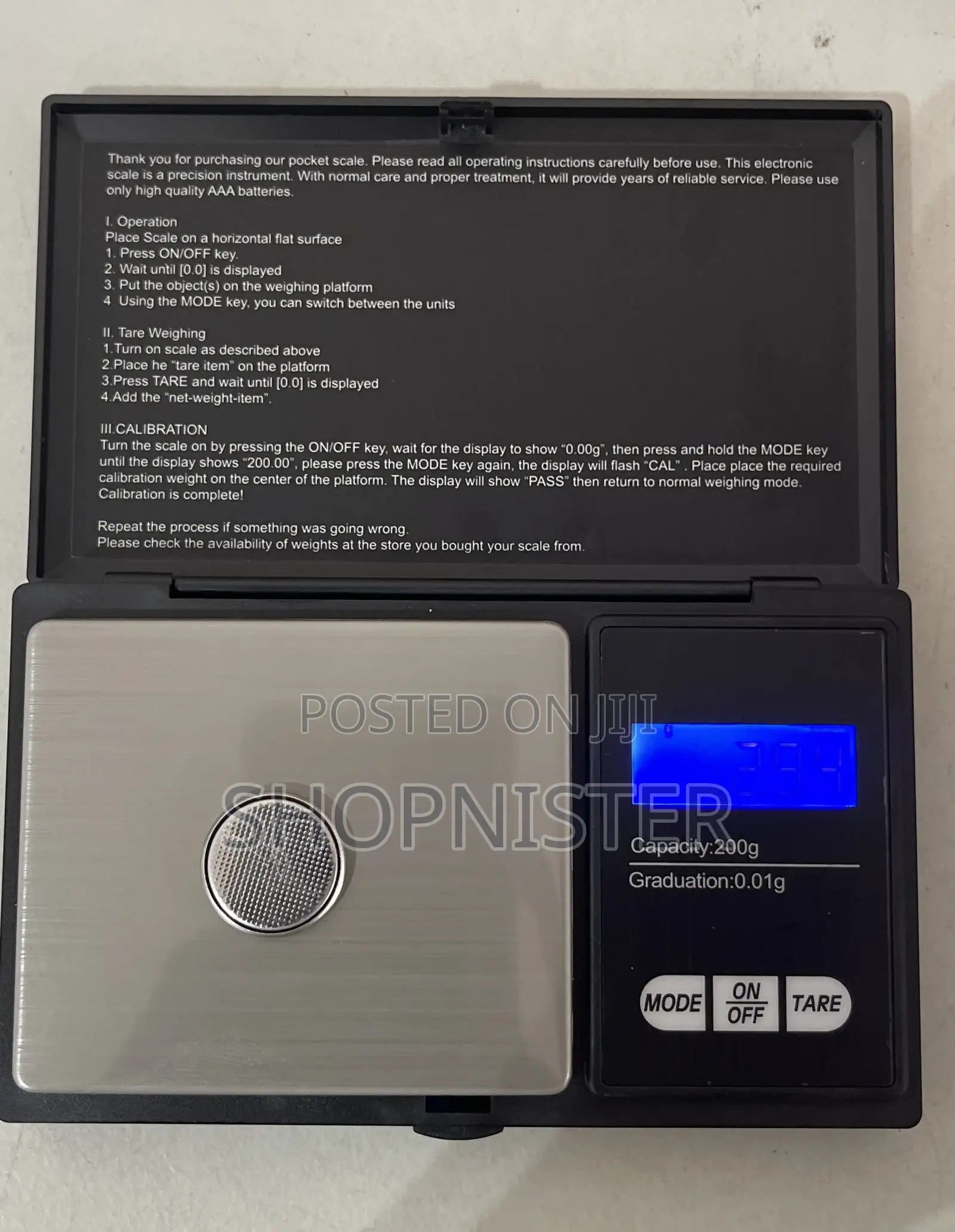
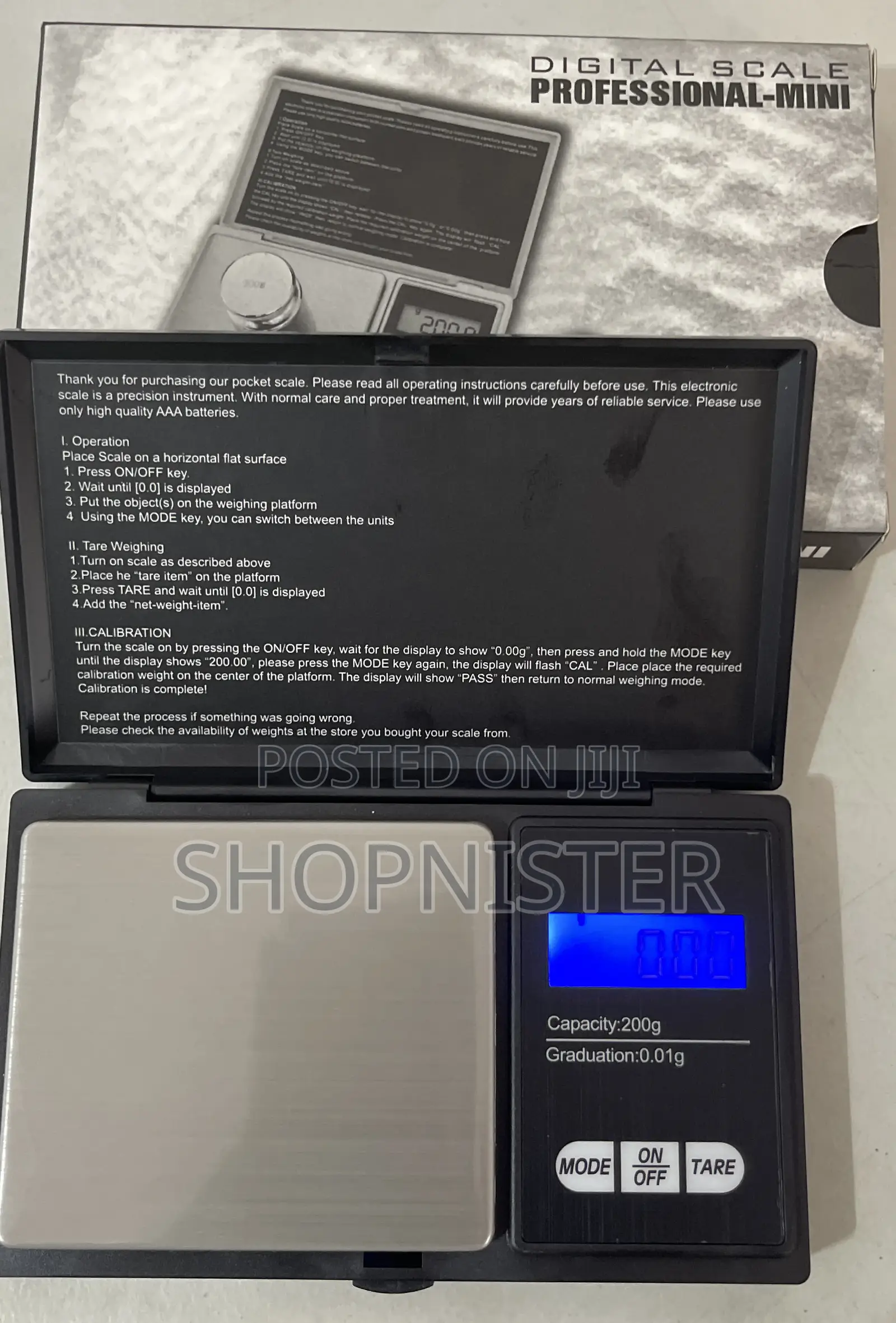
Pocket Scale Micro 0.01g to 200g Black
Kitchen Scales
Type
Black
Color
Brand New
Condition
other
Brand
Battery Operated
Power Source
ABS Plastic
Material
Digital Scale
Scales Type
Rectangle
Shape
Digital Display
Scales Features
Store address
Greater Accra • Spintex
Spintex around coca cola road
Opposite shell filling station
Closed now
• Mon - Sat, 10:00-19:00
Greater Accra • Spintex
Spintex around coca cola
Right opposite shell fillom station
Closed now
• Mon - Fri, 09:00-17:00
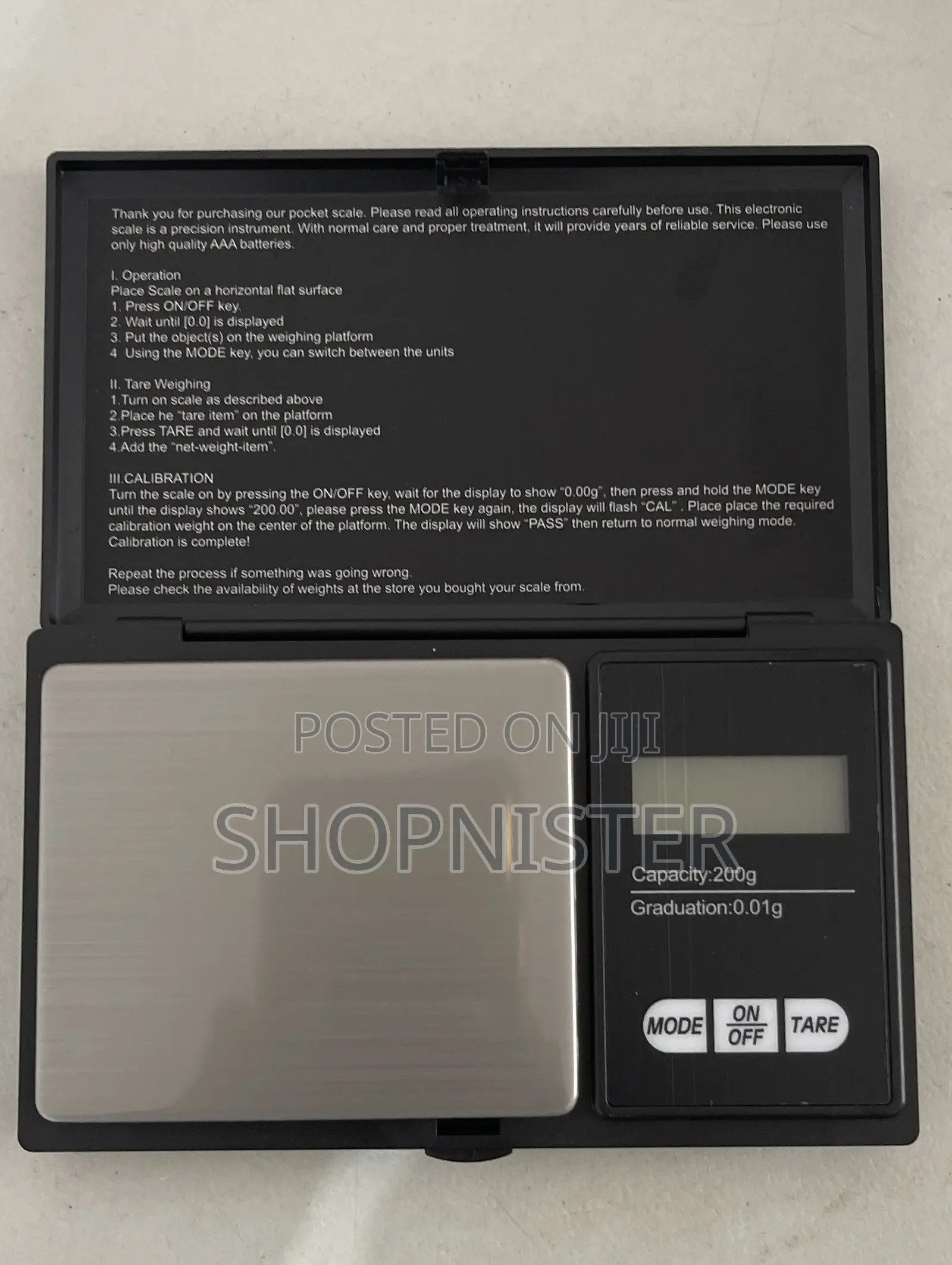
I. Operation
Place Scale on a horizontal flat surface
1. Press ON/OFF key.
2. Wait until [0.0) is displayed
3. Put the objects) on the weighing platform
4 Using the MODE key, you can switch between the units II. Tare Weighing
1. Turn on scale as described above
2.Place he "tare item" on the platform
3.Press TARE and wait until [0.0) is displayed
4.Add the "net-weight-item".
III.CALIBRATION
Turn the scale on by pressing the ON/OFF key, wait for the display to show "0.00g", then press and hold the MODE key until the display shows "200.00", please press the MODE key again, the display will flash "CAL". Place place the required calibration weight on the center of the platform. The display will show "PASS" then return to normal weighing mode.
Calibration is complete!

Safety tips
- Avoid paying in advance, even for delivery
- Meet with the seller at a safe public place
- Inspect the item and ensure it's exactly what you want
- Make sure that the packed item is the one you've inspected
- Only pay if you're satisfied





