
Enterprise
1/2
Promoted
Greater Accra, Accra Metropolitan, 1 hour ago
49 views
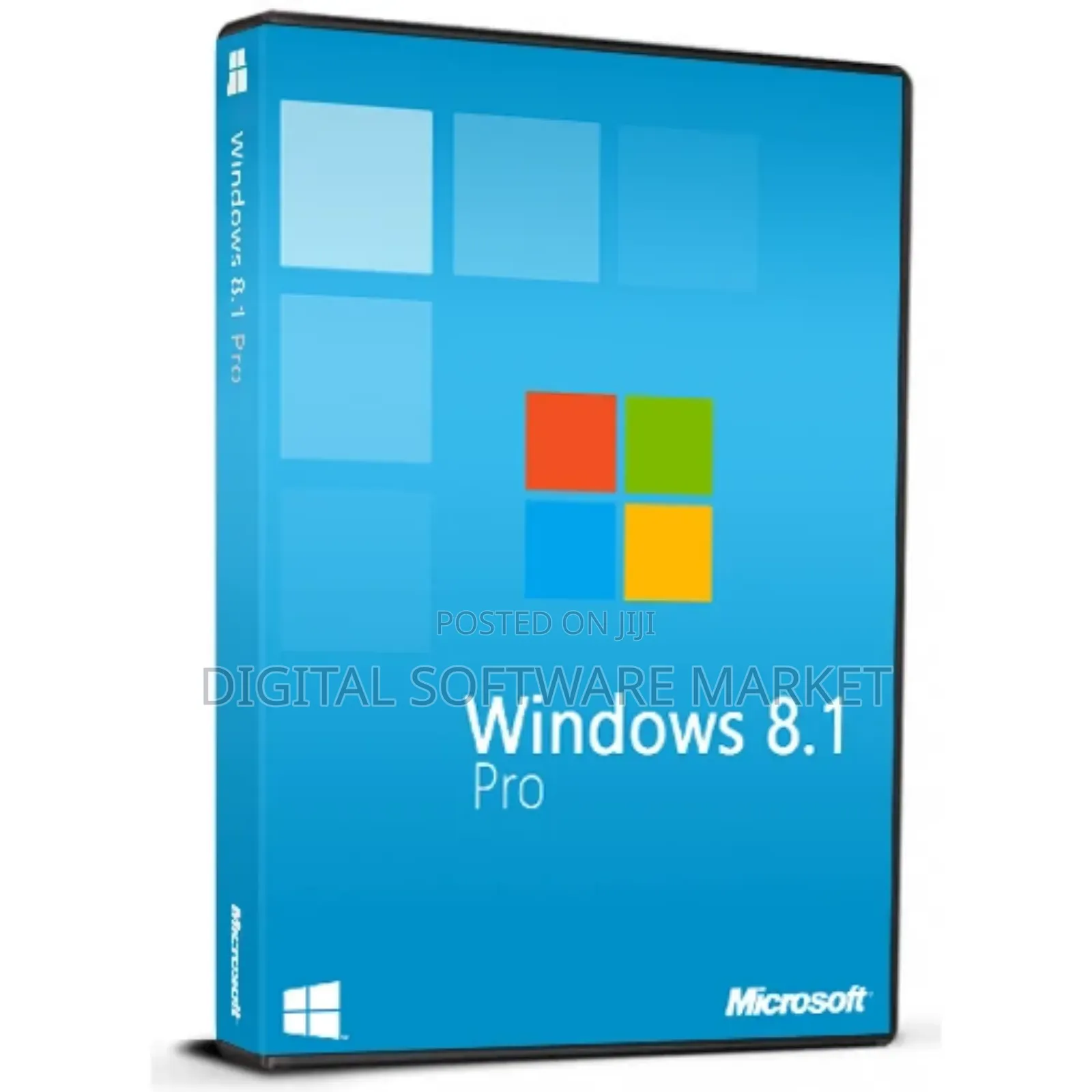
Windows 8.1 Professional Retail Key Global
Windows 8.1 Professional
Software Name
Operating System
Type
Windows
Platform
Product Key Card
Format
Windows 8
Operating System Type
Lifetime
License Duration
Store address
Greater Accra • Achimota
Achimota old station
Open now
• Mon - Sun, 01:00-20:00
Greater Accra • Tema Metropolitan
Community 2
Behind the community 2 station
Open now
• Mon - Sun, 01:00-20:00
Ashanti • Kumasi Metropolitan
Kwadaso
Behind kwadaso main station
Open now
• Mon - Sun, 01:00-20:00
The key will work on an inactivated working Win8 PRO or a clean installation of Windows 8 PRO.
COA label print can be scanned and sent to you upon request (additional charge).
Activation instructions:
Go to System Settings:
Press Windows + X and select System.
Enter Product Key:
Scroll down and click Change product key.
Type in your Windows 8.1 Pro product key.
Activate:
After entering the key, click Activate.
This operating system is eligible for a free upgrade to Windows 10 when available. More details below.
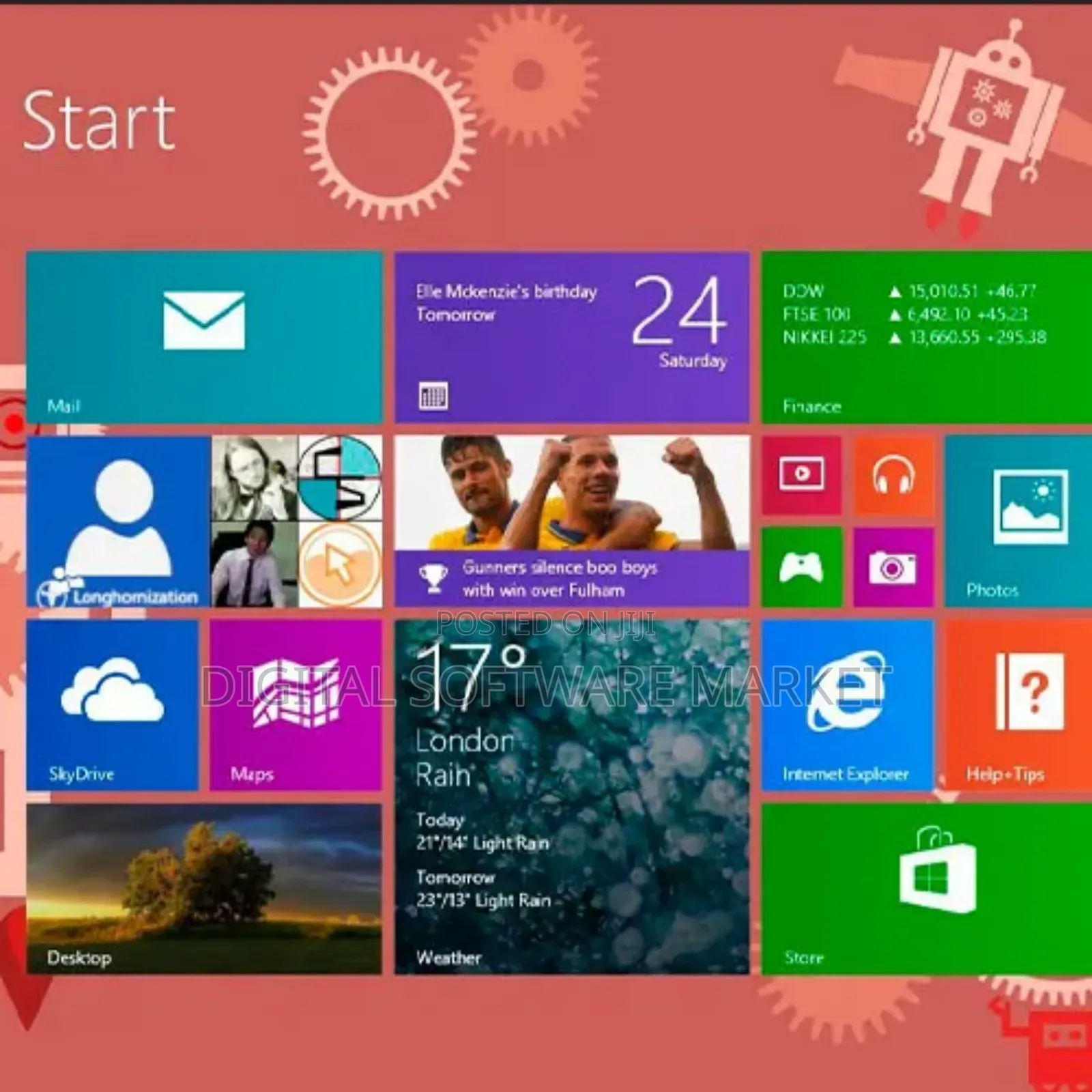
Protect your data by encrypting it with BitLocker & Access one PC from another with Remote Desktop
Access photos & files virtually anywhere with SkyDrive built-in
Windows 8.1 Pro offers enhanced features to help you easily connect to company networks, access one PC from another, encrypt your data, and

Safety tips
- Avoid paying in advance, even for delivery
- Meet with the seller at a safe public place
- Inspect the item and ensure it's exactly what you want
- Make sure that the packed item is the one you've inspected
- Only pay if you're satisfied





