
Promoted
Greater Accra, Accra Metropolitan, 2 hours ago
2 views
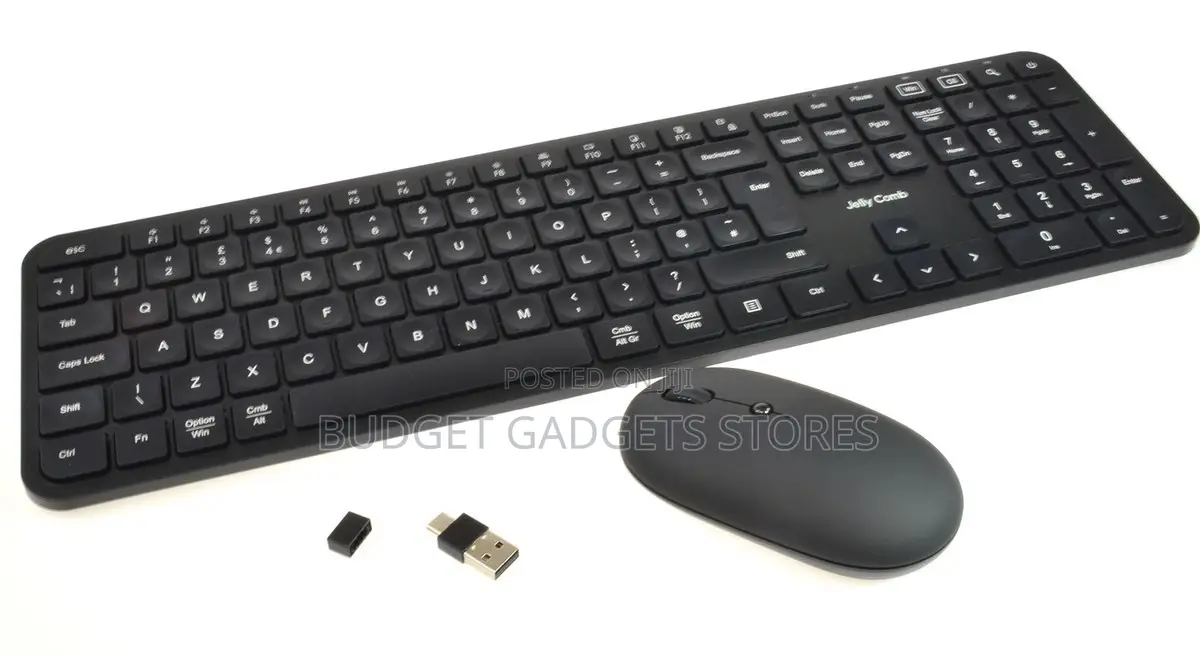
Wireless Keyboard & Mouse
Keyboards
Type
jellycomb
Brand
Brand New
Condition
2m
Cable Length
Store address
Greater Accra • Labadi
La wireless newroad
Input “Budget gadgets store” on google maps,bolt and yango
Open now
• Mon - Sat, 08:00-21:00
1. Locate the USB receiver: Look inside the battery compartment of either the mouse or keyboard to find the small USB Nano Receiver.
2. Plug it in: Insert the USB receiver directly into an open USB port on your computer or laptop.
3. Power them on: Flip the power switches on both the keyboard and mouse to the ON position. They should automatically pair within a few seconds.

Safety tips
- Avoid paying in advance, even for delivery
- Meet with the seller at a safe public place
- Inspect the item and ensure it's exactly what you want
- Make sure that the packed item is the one you've inspected
- Only pay if you're satisfied


