
Enterprise
1/5

Promoted
Greater Accra, Accra Metropolitan, 2 hours ago
68 views
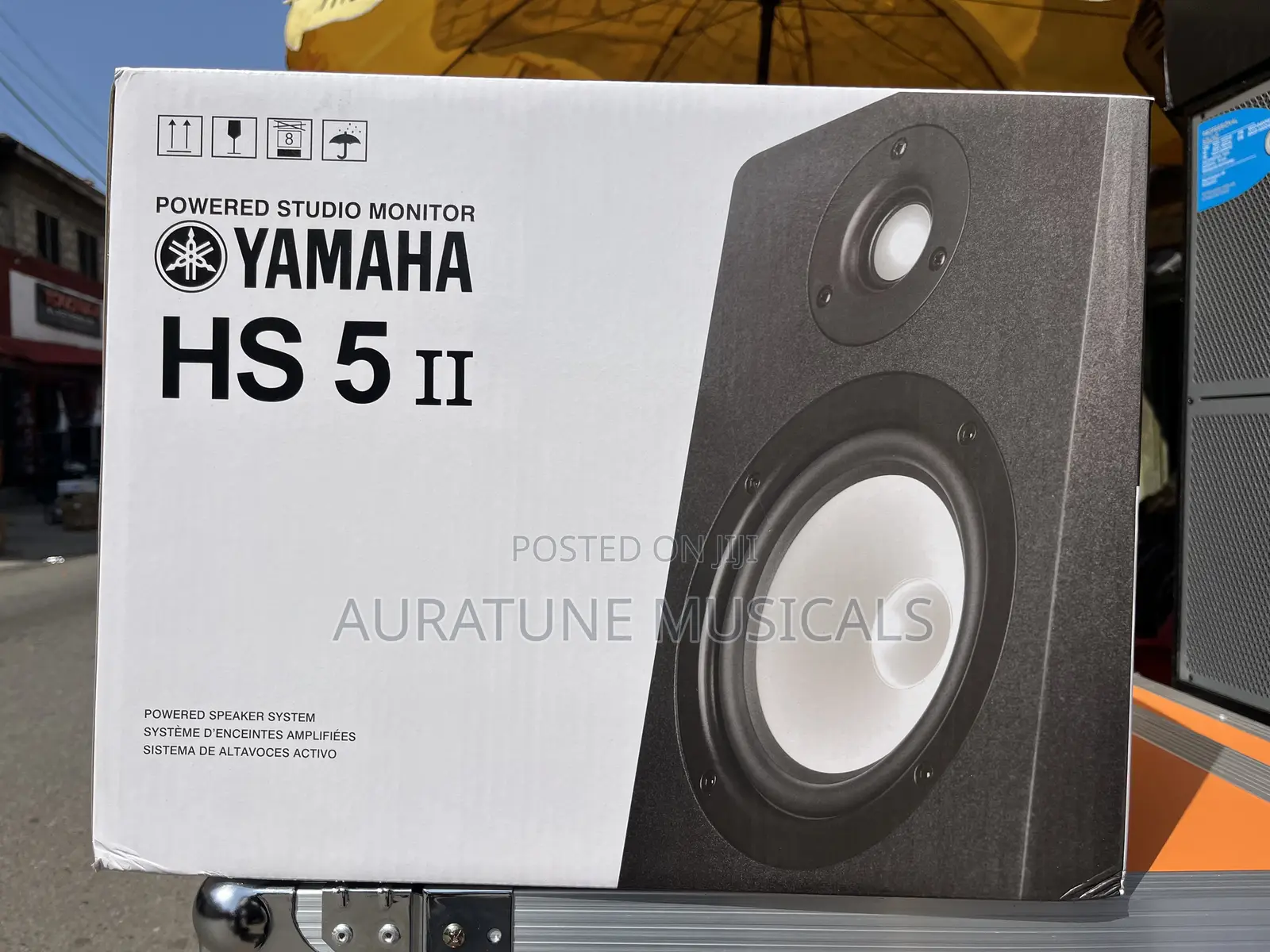
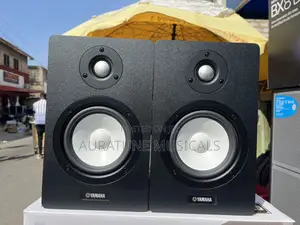
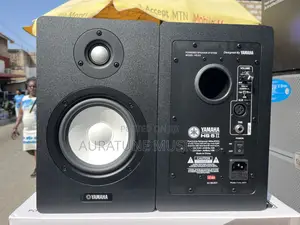
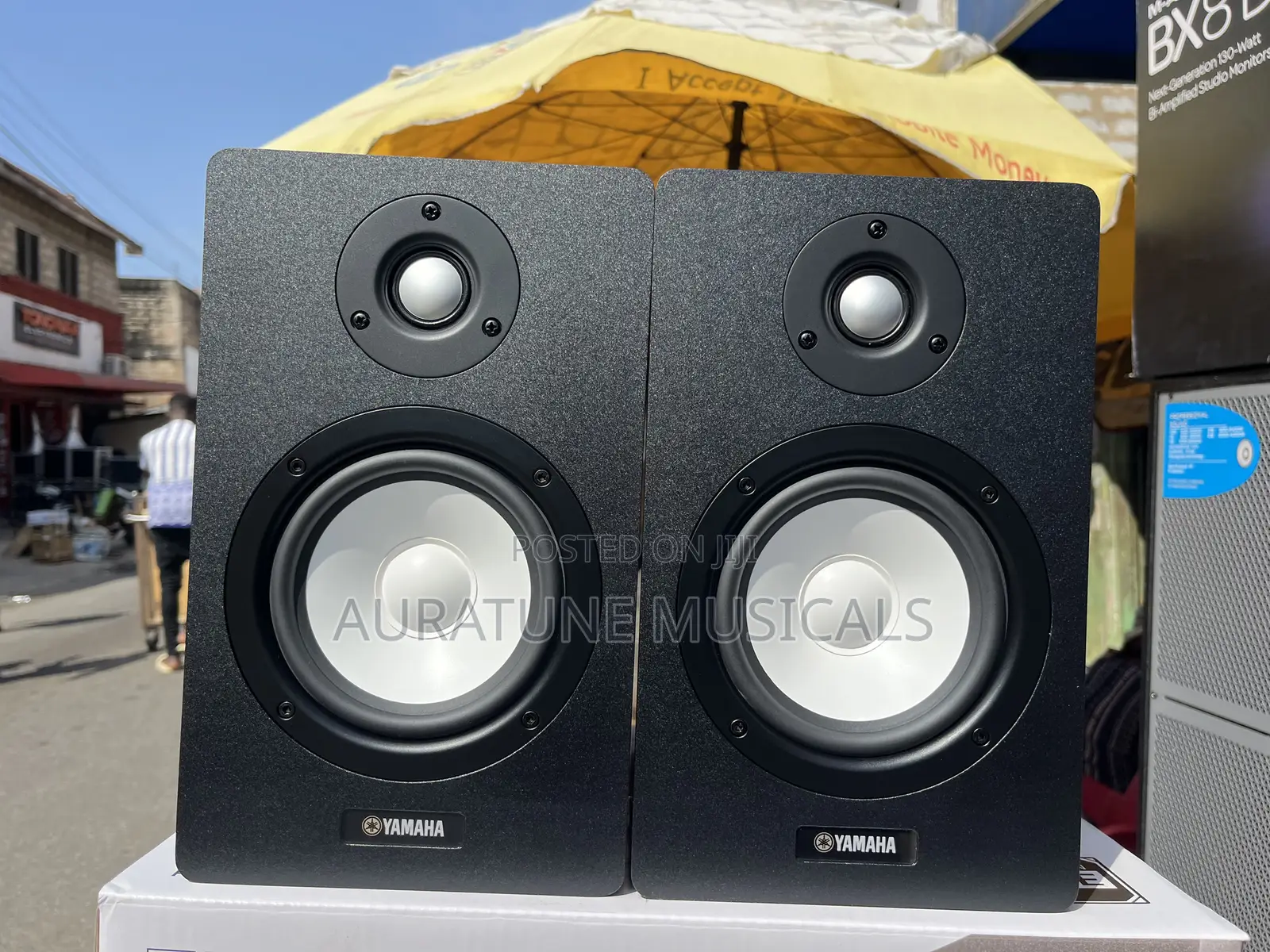
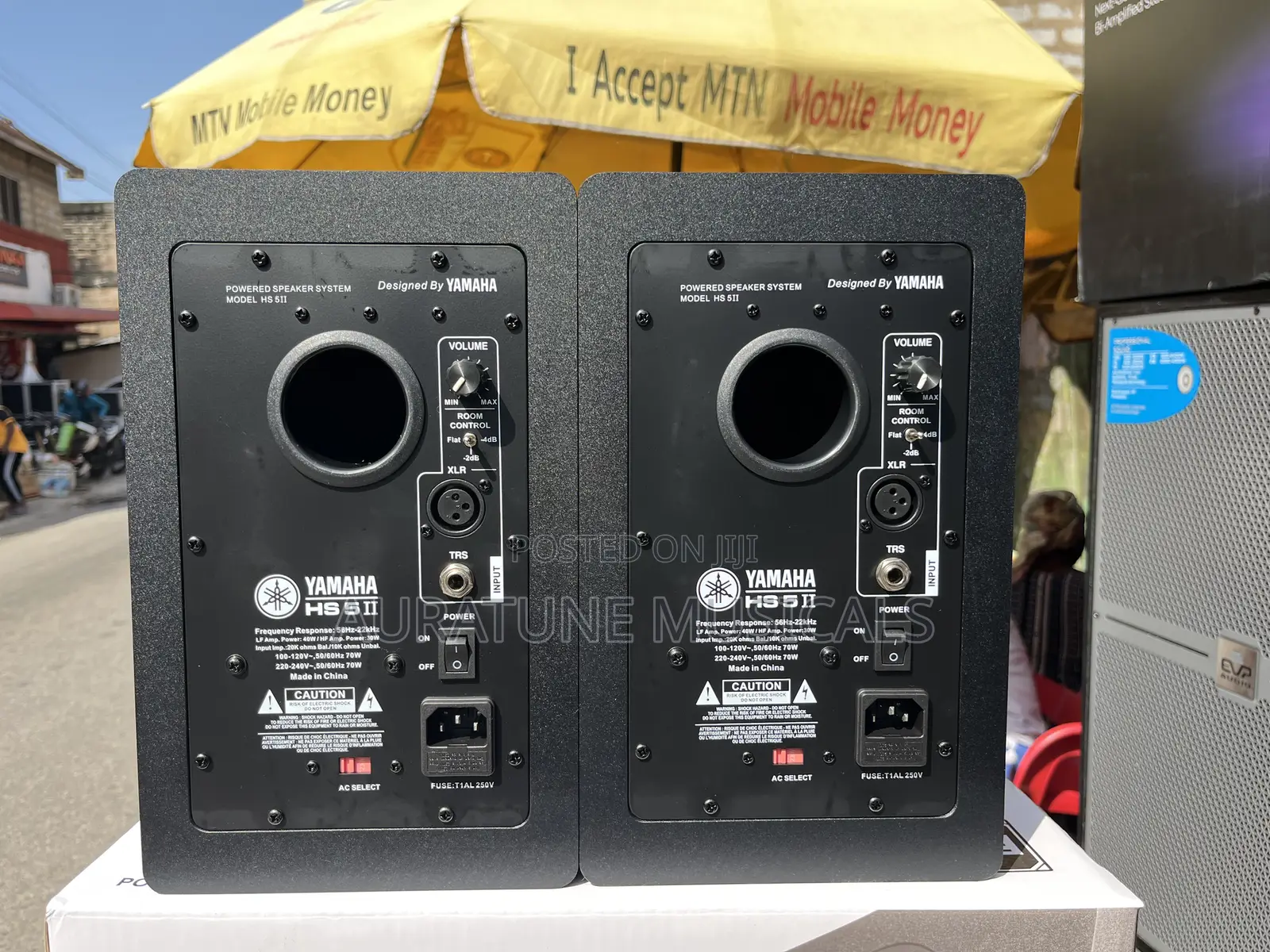
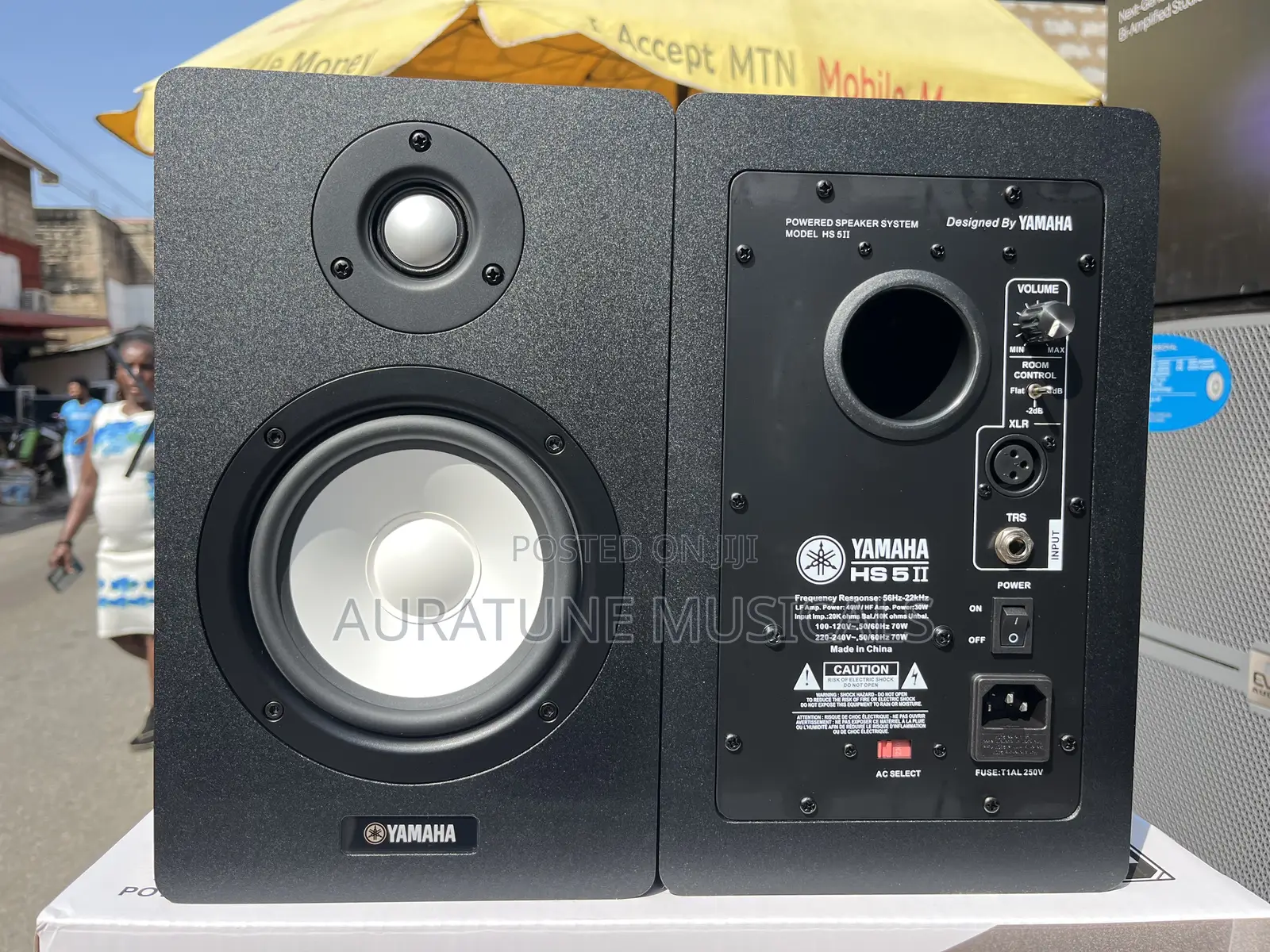
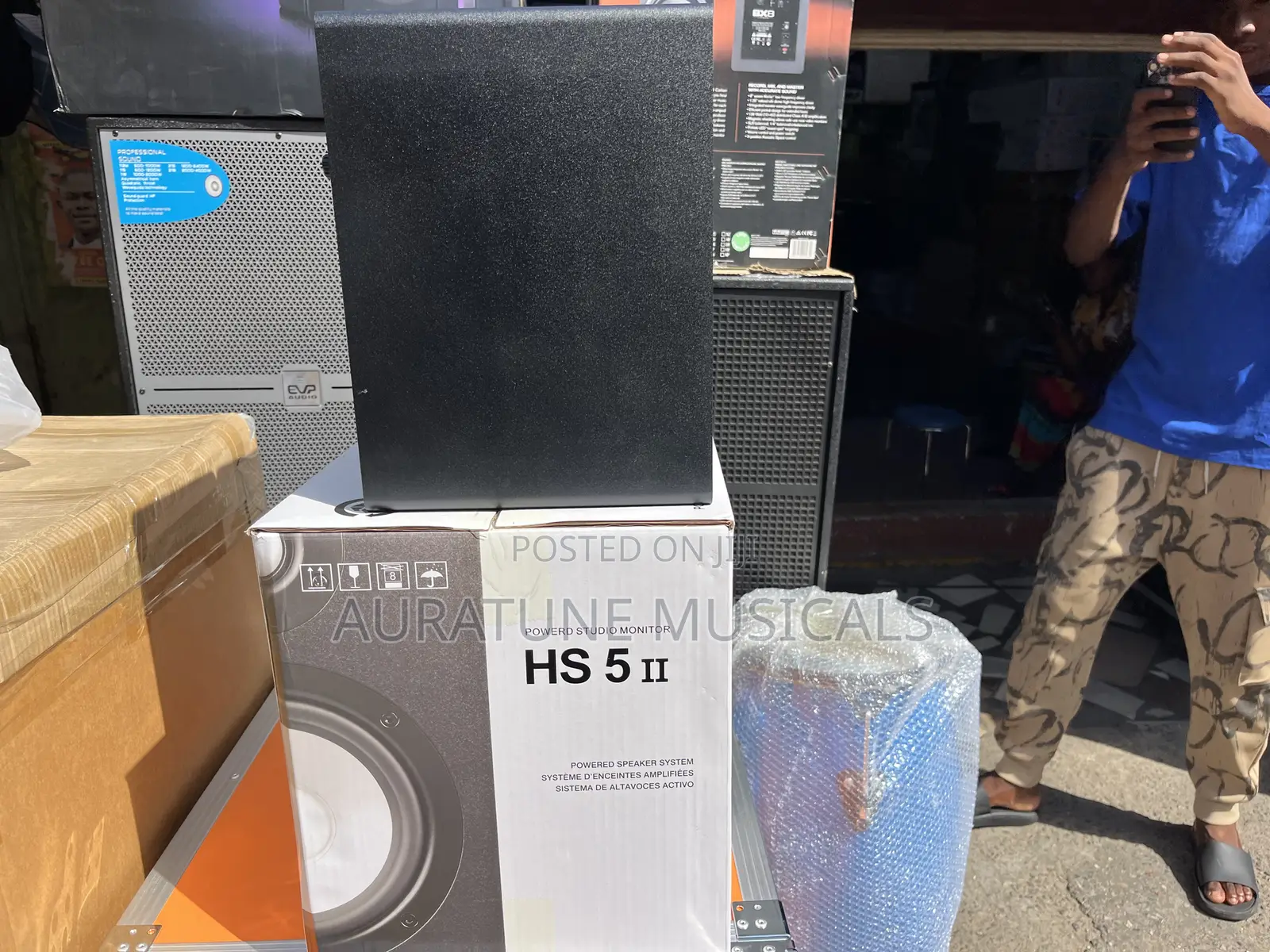
Yamaha Hs-5ii 2-Way 70w Bass Studio Monitors
Studio Monitors
Type
Brand New
Condition
Brand
Active
Monitor Amplification
70watts
Monitor Output Power
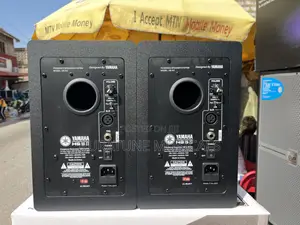
6.3 mm, XLR, Other
Input Output Ports
Store address
Greater Accra • Adabraka
Accra- zongo Lane old benjilo
Open now
• Mon - Sat, 06:00-18:00
Greater Accra • Accra Metropolitan
Accra around the Accra Children Hospital
Open now
• Mon - Sat, 07:00-17:00
Setup
The configuration and placement of your 5"/ 6"/ 8" monitors on speaker stands or your desktop workstation may affect the performance of the speakers Use the following tips to achieve the best performance out of your power monitors.
Tip: If possible, place your Pro monitors Speaker on speaker stands instead of your desktop.
Desks tend to resonate sympathetically at low frequencies and may adversely affect the bass response of your monitors. If speaker stands are not possible due to space restrictions and you notice a buildup in bass, try placing the monitors on isolation pads to acoustically de-couple the monitors from the desk.
XLR Balanced Connection
Assure that the power switch of the 5"/6" /8" is turned off and that the volume control of the Pro Monitors is turned down to a minimum. Conned the male end of an XLR balanced
Safety tips
- Avoid paying in advance, even for delivery
- Meet with the seller at a safe public place
- Inspect the item and ensure it's exactly what you want
- Make sure that the packed item is the one you've inspected
- Only pay if you're satisfied





