
Enterprise
1/3
Promoted
Greater Accra, Accra Metropolitan, 55 min ago
70 views
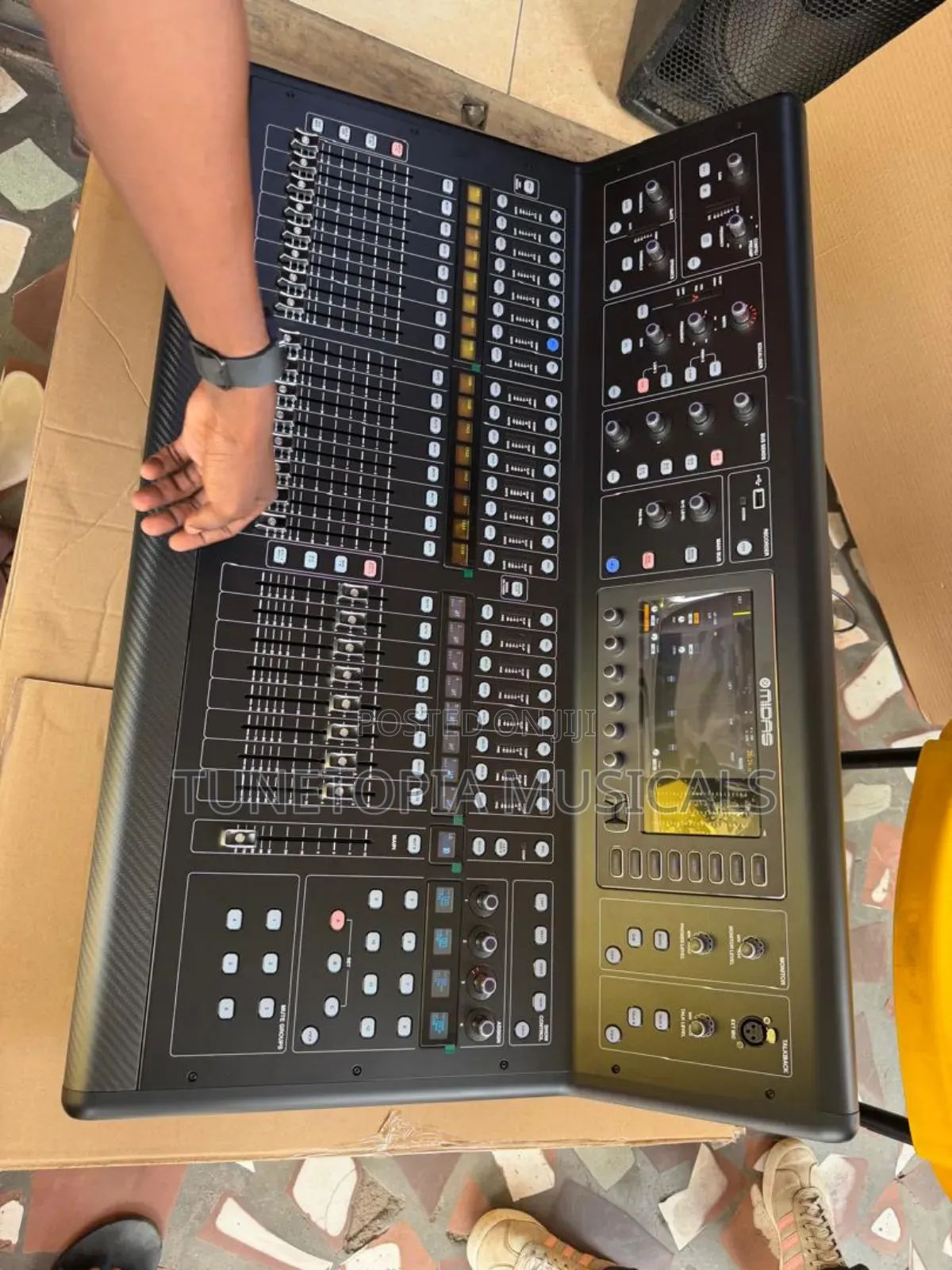
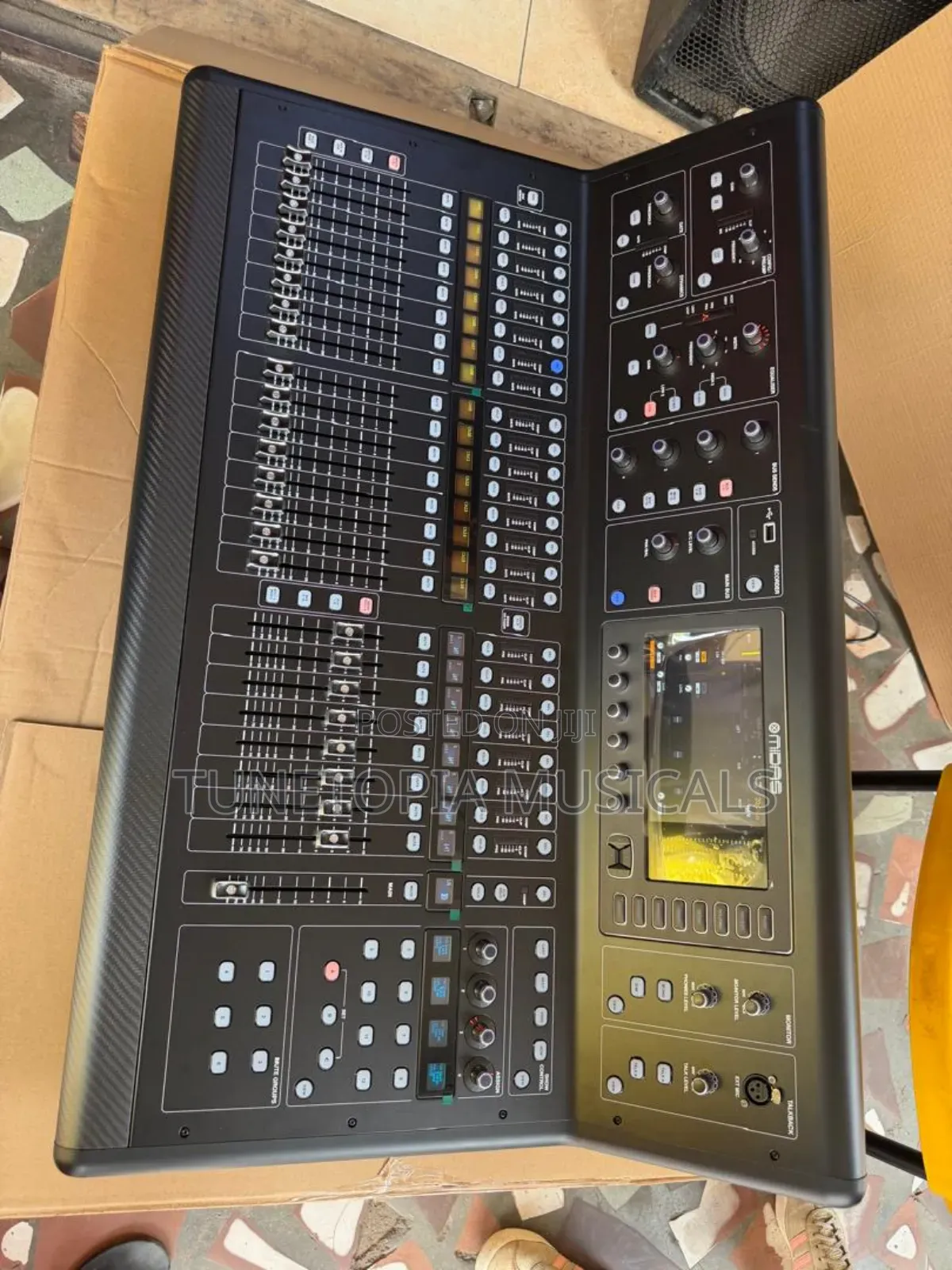
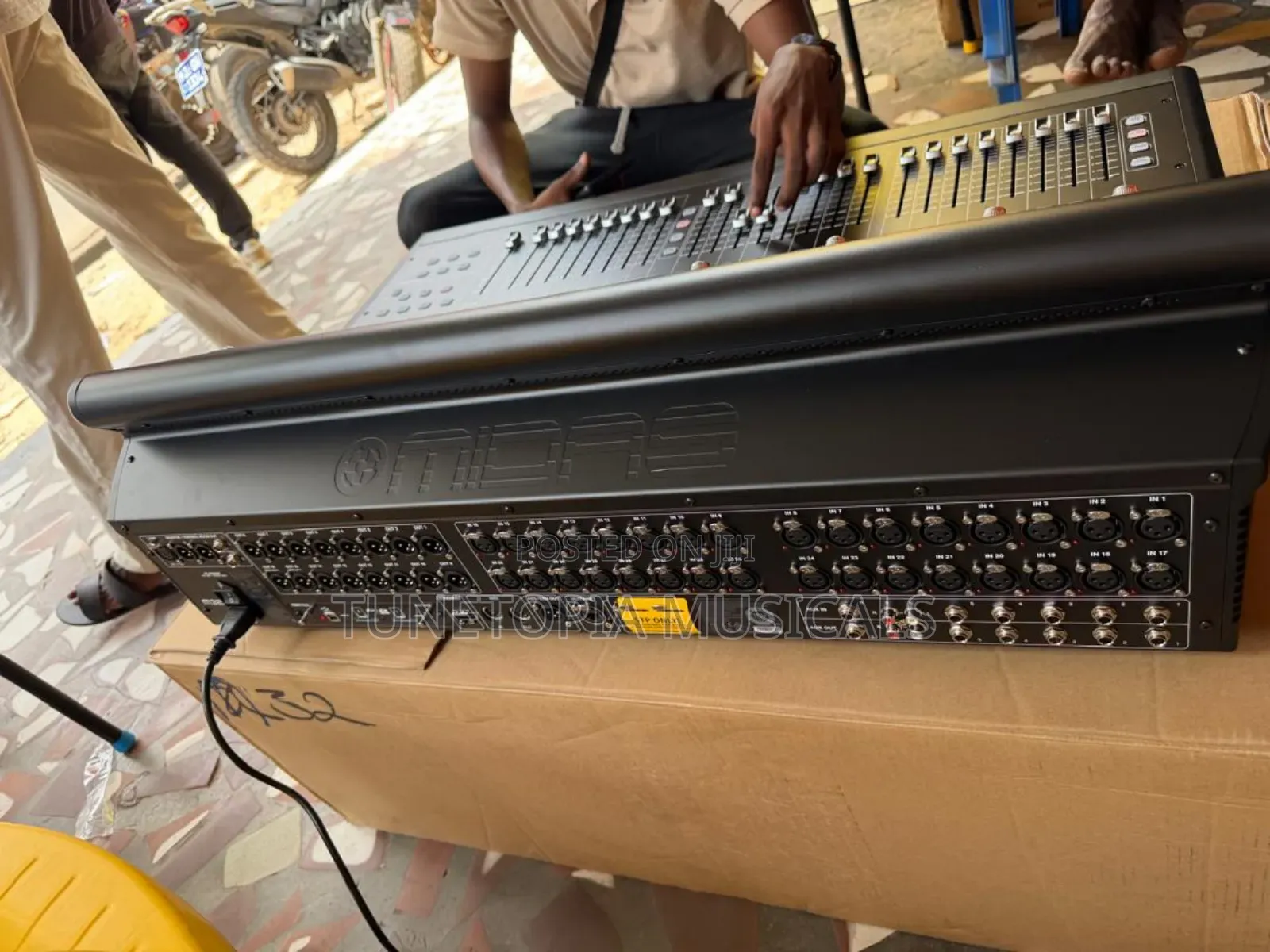
Midas M32 Live Digital Mixer.
Music Mixers
Type
Brand New
Condition
Other
Brand
XLR
Mixer Connectivity
It features 40 simultaneous input channels, 32 microphone preamplifiers, and 25 time-aligned mix buses.
Inputs: Press the physical Routing button next to the screen. Use the screen navigation controls to open the Home tab. Here you patch signal source blocks (Local XLR ports, AES50 stage boxes, or digital expansion cards) to the mixer's fader strips.Outputs: Navigate to the Out 1-16 tab or Aux Out tab in the routing menu. Select a physical output connector port using the encoder knobs. You can then assign specific internal signal mixes, main mixes, or individual channel direct-outs to that port.User Layer Customization: You can bypass the standard eight-channel block patching limitation by navigating to the User routing tab. This menu lets you soft patch individual physical inputs to any digital mixer channel
Safety tips
- Avoid paying in advance, even for delivery
- Meet with the seller at a safe public place
- Inspect the item and ensure it's exactly what you want
- Make sure that the packed item is the one you've inspected
- Only pay if you're satisfied





